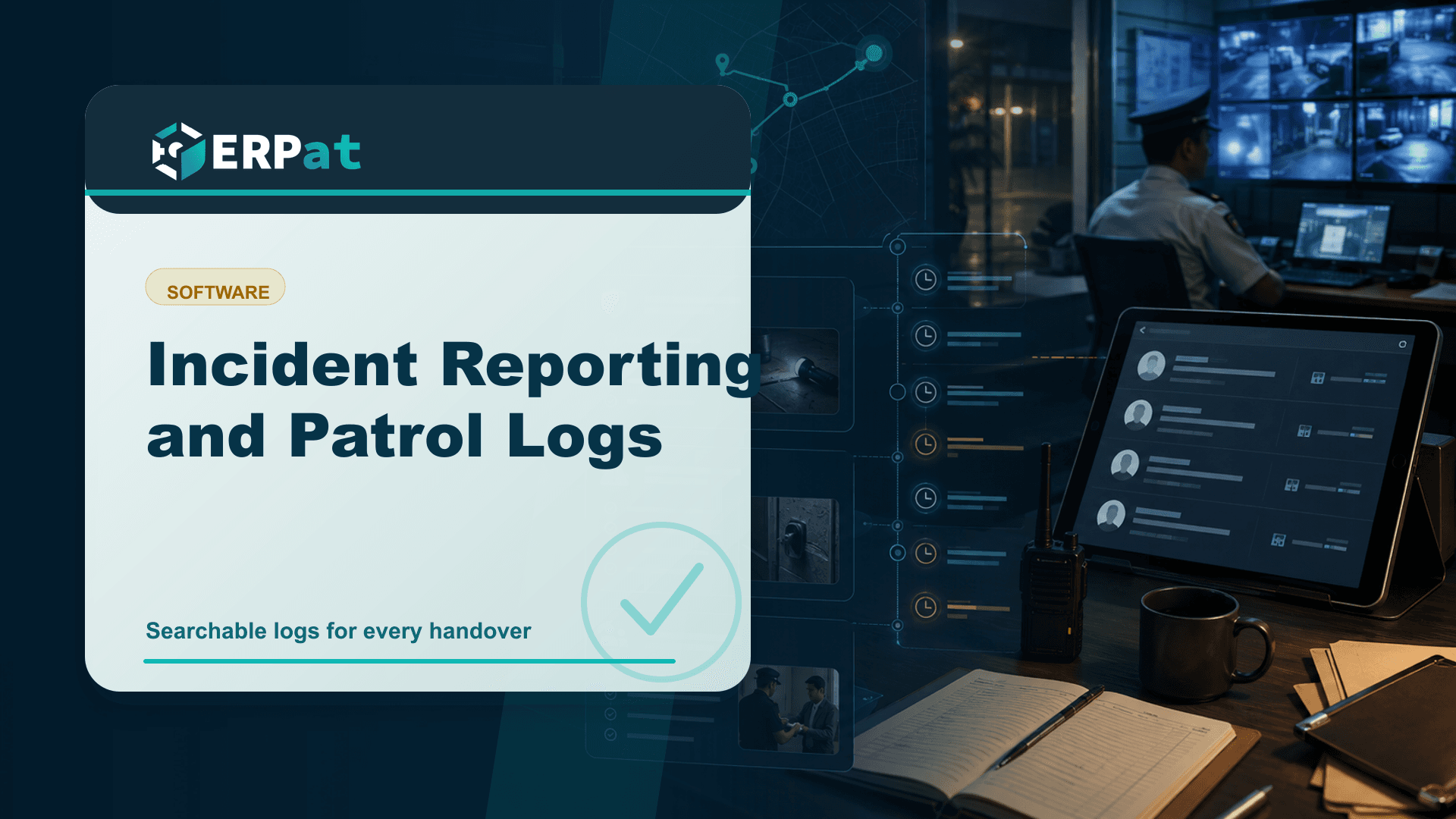
Incident Reporting and Patrol Logs
Paper logbooks capture the moment but rarely survive the follow-up question. Here is what a security record should actually hold — visitors, patrol rounds, incident evidence and shift handovers — and why it belongs in one system.
In this guide
What to watch for
Use the article to identify repeat work, handoff gaps and places where one source of truth would help.
In this article
Most security operations in the Philippines still run on paper. A visitor writes a name in a ruled notebook, a guard initials a patrol sheet clipped to a board, and an incident gets a short paragraph in a logbook that lives in a drawer at the gate. That arrangement works right up until someone asks a specific question about last Tuesday, and the only way to answer it is to flip through pages.
Where the paper logbook breaks down
A logbook is a capture tool, not a retrieval tool. It is very good at receiving a line of handwriting at two in the morning and very poor at answering a question three weeks later. The entries are unsearchable, the handwriting varies by shift, and the whole record exists as a single physical object sitting at one location — which means a company with three sites has three separate histories that can never be compared without someone physically carrying a book to a meeting.
There is also a quieter problem. Paper does not distinguish between when an event happened and when it was written down. A guard who fills in four checkpoint lines at the end of a round produces a sheet that looks identical to one filled in as each point was reached. Neither the supervisor reviewing it nor the client asking about coverage can tell the difference. When the log is later asked to reconstruct a sequence of events — the thing it is most often needed for — it turns out to be a record of intentions as much as observations.
Visitor tracking that leaves a usable trail
Visitor tracking is where the gap between "we have a log" and "we have a record" is easiest to see. Almost every gate in the country asks for a name, a company and a time in. Far fewer capture the time out reliably, because by the time the visitor leaves the queue has moved on and nobody chases the second signature. The result is a book full of arrivals and very few departures.
The Patrol module handles visitor tracking as structured data rather than free text: who came in, who they were there to see, when they arrived and when they left. That structure is what makes the record answerable. "Who was inside the building between two and four on the fifteenth" is a reasonable question after equipment goes missing or after a client asks for an access history, and it is a question a notebook cannot answer without an hour of squinting. Consistent visitor records also produce a small professional benefit that gets overlooked — repeat contractors and delivery riders stop being re-interviewed at the gate every single visit.
Patrol rounds you can verify
There is a meaningful difference between a patrol that happened and a patrol that was recorded, and supervisors who have never had reliable logs tend to underestimate how large that difference gets over a few months of night shifts. Recording rounds digitally through the Patrol module gives you a timeline instead of a signature block: which rounds were completed, when, and by whom.
What that timeline is genuinely good for is spotting coverage patterns rather than catching individuals. If the perimeter behind the warehouse is consistently logged at the start of a shift and never again, that is an operational finding — the route is badly sequenced, or the round is too long for the time allotted. Those are fixable problems, and they are invisible when the evidence is a stack of initialled sheets nobody reads unless something goes wrong.
Moving patrol rounds into a system proves what was logged and when, not what was actually observed. Supervision, route design and training still do the real work; the log just stops being the weakest part of the chain.
Incident reports and the evidence behind them
Incident reports are written under the worst possible conditions — right after something stressful, usually by the person least able to step back from it. That is exactly why the format matters. A useful report separates when the incident occurred from when it was discovered, names the location precisely, lists who was involved and who was notified, and states what was done in response. Left to free-form narrative, most reports capture the drama and omit the timeline.
The Patrol module keeps incident reporting and evidence documentation together, which addresses the second failure mode: supporting material that gets separated from the report it belongs to. A memorandum written a week later is a summary of a summary, and details that seemed obvious on the night have already softened. Filing the account and its documentation as one record, at the time, means the version that surfaces during an insurance claim, a client inquiry or an internal disciplinary process is the version written while the facts were still sharp.
Shift handover without the gaps
The riskiest ten minutes of a security operation are usually the ones between shifts. Handover is often verbal, delivered while both parties are tired, and the open items — a gate lock that is sticking, a visitor still inside, a delivery expected before midnight — depend entirely on whether the outgoing guard remembers to mention them.
Shift management in the Patrol module ties the handover to the shift record itself, so open items are carried forward as part of the log rather than as a favour. The practical effect is continuity: the incoming shift starts with the same picture the outgoing shift ended with, and a supervisor reviewing the week can see where something was raised, carried and eventually closed. It also makes the honest case for the guard on duty. When an item was flagged three shifts ago and never actioned by management, the record shows that too.
Deciding who can see what
Security logs contain personal information — names, employers, vehicle details, and sometimes accounts of conduct that affect someone's employment. Treating that material as ordinary operational data is a mistake, and treating it as universally readable is worse.
The Security module governs accounts, sessions, roles and granular access across ERPat, which lets you match visibility to responsibility. Guards file entries, supervisors review and follow up, management sees the operational picture, and nobody browses incident narratives out of curiosity. Individual accounts also make entries attributable, which is the quiet foundation everything above depends on. A record that cannot be traced to a specific person at a specific time is a story, not evidence.
Starting with one gate
None of this needs to be adopted at once. Most operations get the largest immediate return from the visitor log, because it is the highest-volume record and the one clients ask about most often. Patrol rounds usually follow, then incidents and handover once the routine is established. The goal is not a more elaborate logbook — it is being able to answer a specific question about a specific hour, months later, without sending someone to the guardhouse to look for a notebook.
Technology decision context
Use "Incident Reporting and Patrol Logs" to make a better systems decision
Technology articles are most useful when they help the team decide what to change next. Focus on the process problem first, then choose the tool or integration that removes the most repeated work.
Part 1Start from the workflow, not the tool
A system change should solve a visible operational problem. Map who creates data, who reviews it and who depends on the result.
- Identify repeated encoding, manual exports and duplicate records
- Find handoffs that rely on reminders instead of system status
- Separate must-have controls from nice-to-have interface features
Part 2Integration details to check
A useful system should reduce context switching and make data easier to trust across teams.
- Which records need one source of truth?
- Which reports depend on data from more than one department?
- What permissions, audit logs and backups are required?
Part 3How to judge success
A better technology setup should improve speed, reliability and confidence in decisions.
- Fewer manual workarounds after rollout
- Shorter time from request to approval or report
- Clear ownership when something is missing or incorrect
Chelsea Cuevas
Content & Marketing Associate
Covers business growth, HR best practices, and the technology behind modern operations.