Expense Management and Reimbursements
A practical look at how expense claims move from submission to posting, and the intake, approval and bookkeeping steps that turn a reimbursement backlog into a routine. Includes what still needs a written policy.
In this guide
What to watch for
Use the article to find where source records and approvals need a cleaner audit trail.
In this article
Most expense claims are small. The handling around them is not: a receipt photographed in a chat thread, an approval given verbally in a corridor, a spreadsheet finance maintains by hand, and a payout that happens whenever someone remembers. The amounts rarely cause trouble at year-end. The missing dates, missing approvals and missing documents do.
Where reimbursement claims actually go wrong
The problem is almost never arithmetic. A reimbursement passes through at least four hands, from the person who spent the money, to the manager who approves it, to the accountant who posts it, to whoever releases the payment, and each handoff is a chance for the claim to stop moving. It stops most often because something is missing: no date, no cost centre, no supporting document, or no clear record that anyone said yes.
That is what turns reimbursements into a chase. Finance sends a follow-up, the claimant replies days later, the manager is on leave, and the claim crosses a month-end boundary. The expense then sits in the wrong period, or sits nowhere at all until someone raises it during an audit.
There is a second cost that rarely gets counted. Employees who front company money and wait weeks to be paid back stop fronting it, and the spending quietly moves to petty cash or to nobody at all.
Let the claim form ask for everything once
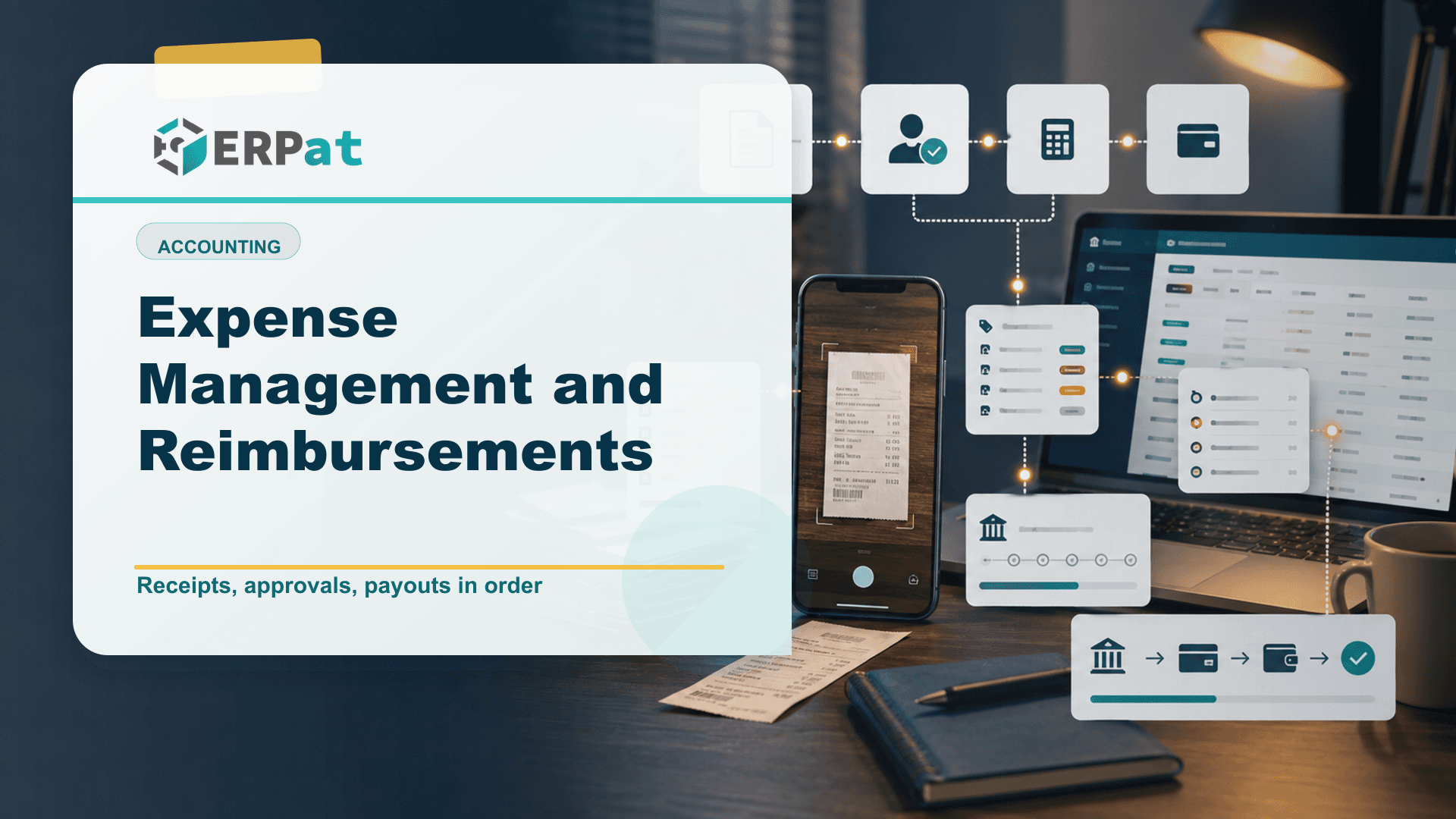
Nearly every chase starts with an incomplete claim, which means intake is where most of the problem is solved. The Forms module lets you build custom intake, request and approval forms without writing code, so the claim form can ask for exactly what your books need: the date of the expense, the amount, the category, the project or cost centre it belongs to, and a reference to the supporting document.
The timing matters more than the field list. Someone filling in a form at the moment of submission still remembers which client the meal was for; two weeks later, replying to a follow-up email, they are guessing. Capturing the detail once, at the point of intake, removes the round trip entirely.
It also gives every claim an identity. Once a submission carries its own reference, the paper or scanned document can be filed against it, the approver can point at it, and the accountant can post it without reconstructing context from a message thread.
Approvals belong with the claim, not in a chat thread
An approval that exists only as a message is not an approval you can produce six months later. Because the Forms module covers requests and approvals as well as intake, the decision can be captured against the claim record itself, with who approved it and when, rather than living in whichever inbox happens to hold it.
That has a practical effect beyond the audit trail. An approver looking at a complete claim can decide immediately; an approver looking at a photo of a receipt has to ask questions first, and questions are what stretch a two-minute decision into a two-week delay. Give the manager the amount, the category and the business reason in one view and most claims clear on sight.
It also makes exceptions visible. When approvals sit in one place, it becomes obvious which claims are routinely queried, which categories keep arriving without documentation, and where the bottleneck actually is. None of that is knowable when approval is a verbal act.
One approved claim, one posting
The last handoff usually recreates the most work: an approved claim gets re-keyed into the books from a spreadsheet, and the spreadsheet and the ledger then drift apart. The Finance module handles accounts, expenses, payments and reconciliation in one place, so an approved claim can be recorded as an expense against the correct account and, when it is paid out, recorded as a payment against that same record.
Reconciliation is where that pays off. When the disbursement is already in the system as a payment, matching it against the bank at month-end becomes a comparison rather than an investigation. Automated tax calculations handle the tax treatment on transactions that carry it, so the figure in the ledger is not something an accountant recomputes by hand each time.
Reporting improves for the same reason. With claims and payments in one system, dynamic reports can show what has been claimed, what is approved but unpaid, and where the spending is landing, which is genuinely hard to answer from a folder of receipts.
Keep the documentation the BIR will accept
Reimbursements are the easiest expenses to lose documentation on, and the rules on what counts changed recently enough that many teams are still catching up. Under Revenue Regulations No. 7-2024, effective 27 April 2024, the Invoice replaced the Official Receipt as the primary supporting document for sales of both goods and services. The Official Receipt became a supplementary document, and from that date a manual or loose-leaf Official Receipt issued without a stamped "Invoice" is not enough to support an input tax claim.
In practice that is a staff-training issue as much as a systems one. The person paying for something has to come back with the right document, not whatever the counter hands over by default. Naming the expected document type on the claim form is a cheap way to enforce it while the mistake can still be corrected.
One related change is worth knowing. The Ease of Paying Taxes Act repealed Section 34(K) of the Tax Code, so from taxable year 2024 onwards non-withholding is no longer a ground for disallowing an expense, but the obligation to withhold and remit has not gone anywhere.
What the system will not decide for you
Software enforces a policy; it does not write one. Before any of this helps, someone has to decide what is claimable, whether there are per-category ceilings, how long an employee has to file after the expense, what documentation each category requires, and who approves at what amount. A form built on a vague policy simply collects vague claims faster.
The same applies to the physical side. A digital claim still depends on a real document coming back from the field, and no amount of configuration replaces asking for it at the counter. It is also worth revisiting the rules once a year, because prices move and a ceiling set three years ago quietly becomes something people work around rather than follow.
An expense system can only apply the rules you give it, so a claim nobody defined as out of policy will pass through cleanly. Write down the ceilings, filing deadlines and documentation requirements first, then configure the form to match.
Where to start
You do not need to redesign the whole process at once. Pick the single expense type that generates the most back-and-forth, which for many companies is transport or client meals, and build one intake form for it. Run a full cycle end to end: submission, approval, posting, payment. Then look at where it still stalled and fix that before adding the next category.
The goal is not a more elaborate workflow. It is a claim that arrives complete, gets a decision on the record, and lands in the books once, so finance spends month-end closing the period instead of chasing the people who spent the money.
Compliance context
Turn "Expense Management and Reimbursements" into a compliance checklist
Compliance-heavy articles are most useful when they become a repeatable review habit. Treat the guidance as a way to confirm evidence, ownership and timing before reports or payroll records are submitted.
Part 1Documents and records to prepare
Before the team reviews compliance requirements, make sure the supporting records are complete and traceable.
- Employee master records, pay history, schedules, leaves and attendance logs
- Contribution, tax, deduction and adjustment summaries
- Approval records, exception notes and revision history
Part 2Common gaps to prevent
Compliance gaps often come from missing evidence rather than missing intent. The system should make proof easy to find.
- Late updates to employee status, salary rates or tax/contribution details
- Manual corrections without a reason or reviewer attached
- Reports generated from data that does not match the approved payroll run
Part 3How to make review repeatable
Create a simple rhythm: prepare records, run checks, document exceptions, approve, then lock the final version.
- Use the same checklist every cutoff or reporting period
- Assign one owner for exceptions and one owner for final approval
- Keep final reports and supporting details together for later audit review
Jerome Evangelista
Content & Solutions Writer
Writes about payroll automation, HRIS, and how Philippine businesses run leaner with ERPat.