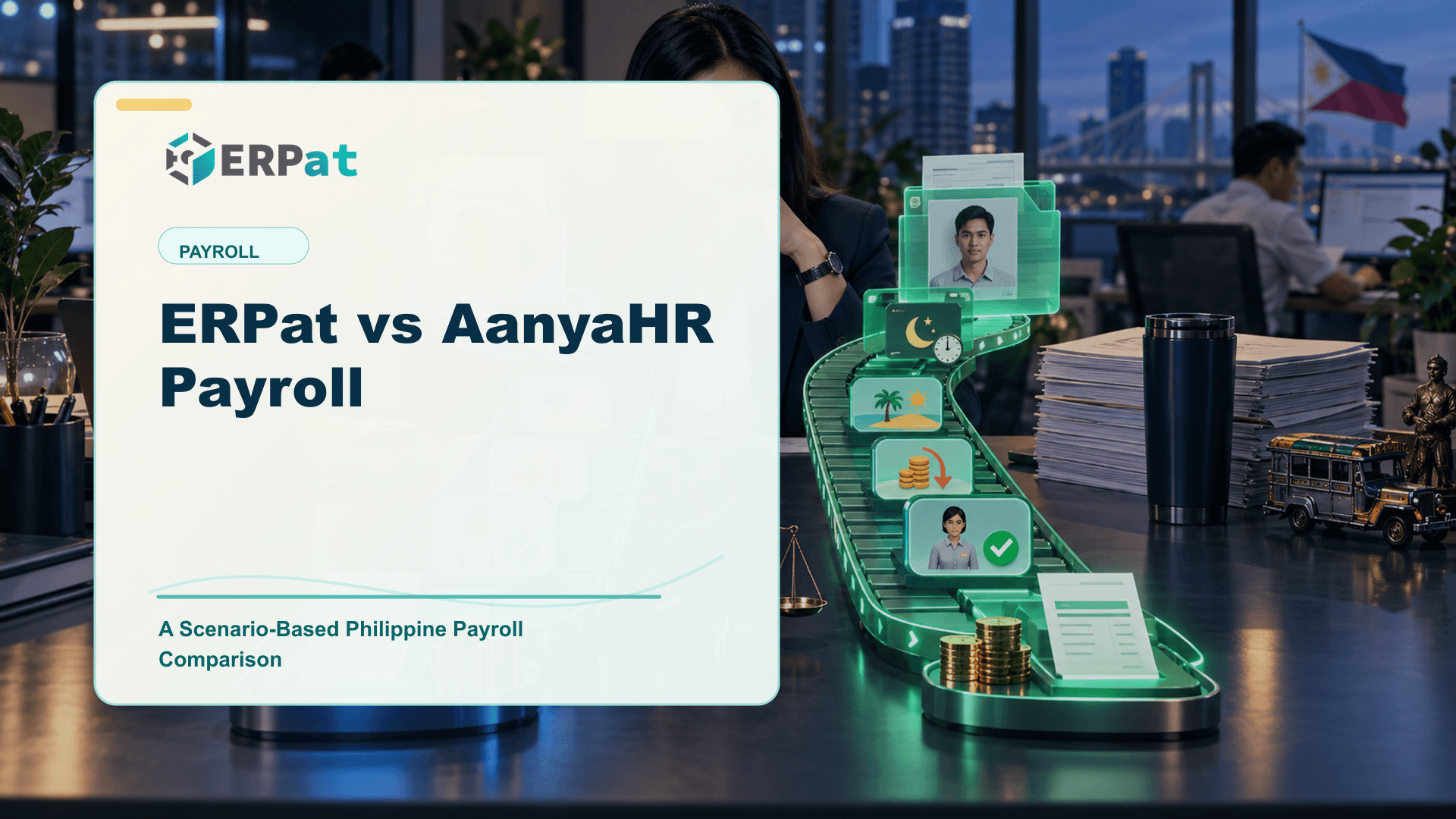
ERPat vs AanyaHR Payroll: A Scenario-Based Philippine Payroll Comparison
ERPat and AanyaHR both serve Philippine employers, so feature lists will not settle the choice. This guide shows how to compare them the way payroll is actually judged: by running the same employees through the same cutoff.
In this guide
What to watch for
Use the article to list what your current tool does well, where work gets re-entered, and what to test side by side.
In this article
- ERPat and AanyaHR side by side
- What changes for a payroll team on ERPat
- Every scenario begins in the attendance record
- Rules you configure once, then reuse every cutoff
- Year-end reports drawn from the pay you already ran
- Room to extend beyond the pay run
- Where AanyaHR may still be the better fit
- Scenarios to run in both systems
- Deciding with your own numbers
When two payroll products are both built for the Philippine market, their brochures start to sound alike. Both will mention local contributions, payslips and employee self-service, and both will look capable in a guided walkthrough. If you are considering ERPat as an AanyaHR payroll alternative, the fairer test is simpler and harder: take a handful of real employees, run them through the same pay period in both systems, and compare what comes out and how much work it took to get there. This article is built around that approach and stays on the payroll run; the HR records side has its own companion piece.
ERPat and AanyaHR side by side
| ERPat | AanyaHR | |
|---|---|---|
| Best for | Philippine organizations that want HRIS and payroll first, then more modules from the same platform | Philippine employers seeking an integrated suite |
| Core strength | Salary computation fed straight from attendance, with configured overtime, night differential, rest day and holiday rules | Localized payroll with time, HR and employee self-service |
| Philippine workflow notes | Configured SSS, PhilHealth and Pag-IBIG references; preparation support for BIR Form 2316, the annual alphalist and government remittance reporting | A Philippine offering; confirm the statutory outputs in your package |
| What to verify in a demo | Your own scenarios, computed with your rate tables and approval steps | The same employee scenarios, so calculations and workflows can be compared directly |
What changes for a payroll team on ERPat
Every scenario begins in the attendance record
A scenario test exposes one thing quickly: where each number came from. In ERPat, schedules, biometric imports, overtime, night differential and leave processing sit in the same system that computes pay. When an employee works a night shift that runs into a holiday, the payroll officer is not reconciling a timekeeping export against a salary sheet. The hours, the approvals and the computed amount are visible from one set of records. Attendance can arrive from biometric terminals using face, fingerprint, RFID tap card or QR code, or from the Syntry employee portal, which covers time in/out and break logs and leave filing, accessible through web and mobile.
Rules you configure once, then reuse every cutoff
The overtime, night differential, rest day, holiday and leave rules your company follows are configured in ERPat's rate tables rather than re-applied by hand each period. Approvals are required, and adjustments stay traceable. That matters most in the scenarios that usually go wrong: the correction someone makes after sign-off, or the question from a department head about why one employee's net pay moved. Payroll audit trails let you show what was computed and what was changed, while role-based access keeps salary details limited to the people who need them.
Year-end reports drawn from the pay you already ran
Scenario testing should not stop at the payslip. ERPat keeps structured payroll and employee tax records, so it supports Form 2316, tax summaries, annual alphalist preparation and government remittance reporting from the same data you processed all year. Configured SSS, PhilHealth and Pag-IBIG references flow into computation, employee records and reporting, and bank-ready exports close each run. ERPat prepares these outputs; your team still approves the payroll, files the returns and remits the contributions. The payroll overview shows how the pieces connect.
Room to extend beyond the pay run
The final-pay scenario is where payroll meets the rest of the business. ERPat's offboarding module handles clearance checklists, turnover of accountabilities and the final-pay handoff, and the finance module covers accounts, expenses, payments and loans. You can start with HRIS and payroll and add these from the same platform later, with multi-establishment support for companies running several branches. Where your process genuinely differs, ERPat is configured around your approved workflows, with larger custom requirements scoped and quoted separately by the same team that builds ERPat.
Where AanyaHR may still be the better fit
AanyaHR is a Philippine offering, and its public product information describes localized payroll alongside time, HR and employee self-service. For an employer that wants those pieces delivered together as an integrated suite, that is a coherent proposition, and it deserves a place on a local shortlist.
If your requirement is squarely an integrated payroll, timekeeping and HR suite, AanyaHR may meet that need well; confirm with the vendor whether any wider modules you plan for later are in scope. The scenario test below is the honest way to find out which system handles your particular workforce with less friction.
Scenarios to run in both systems
Prepare one scenario sheet and hand the identical version to each vendor. Identical employees are what make the calculation and workflow comparison meaningful; a different sample per vendor proves very little. A useful set:
- A shift that crosses a holiday. One employee works overtime and night hours that spill into a regular holiday, computed with your own rate tables.
- A rest-day assignment. An employee is scheduled on a rest day and also files leave in the same period, so you can see both treatments side by side.
- A mid-period joiner and a leaver. Include a new hire starting partway through the cutoff and a resignation that triggers final pay.
- A revision after approval. Change an approved attendance entry and check who can do it, how the recomputation happens, and what the audit trail records.
- Loans and deductions. Carry an active loan with amortization through the run and confirm how it appears on the payslip.
- The outputs. Produce the bank file, the remittance reports and the 2316 and alphalist preparation reports, then trace one employee back to the payslip.
Before either demo, run your sample employees through the gross-to-net salary calculator so your team walks in with an agreed expected result for each case.
Deciding with your own numbers
AanyaHR describes localized payroll with time, HR and employee self-service, so test it on the same scenario sheet. ERPat computes payroll from attendance, draws 2316, alphalist and remittance preparation from the same records, and lets you add offboarding, finance and other modules from the same platform later. Book a demo and bring your scenario sheet to walk through your own cases. For costs, see pricing.
To see the rest of the field, read our roundup of the top payroll software in the Philippines. If employee records and self-service weigh as heavily as the payroll run, the companion checklist on ERPat vs AanyaHR for HRIS covers that decision.
ERPat System is developed by BytesCrafter, which publishes this blog. Details about AanyaHR come from its public product information, reviewed in September 2026. Editions and features change, so confirm current scope with the vendor.
Compliance context
Turn "ERPat vs AanyaHR Payroll: A Scenario-Based Philippine Payroll Comparison" into a compliance checklist
Compliance-heavy articles are most useful when they become a repeatable review habit. Treat the guidance as a way to confirm evidence, ownership and timing before reports or payroll records are submitted.
Part 1Documents and records to prepare
Before the team reviews compliance requirements, make sure the supporting records are complete and traceable.
- Employee master records, pay history, schedules, leaves and attendance logs
- Contribution, tax, deduction and adjustment summaries
- Approval records, exception notes and revision history
Part 2Common gaps to prevent
Compliance gaps often come from missing evidence rather than missing intent. The system should make proof easy to find.
- Late updates to employee status, salary rates or tax/contribution details
- Manual corrections without a reason or reviewer attached
- Reports generated from data that does not match the approved payroll run
Part 3How to make review repeatable
Create a simple rhythm: prepare records, run checks, document exceptions, approve, then lock the final version.
- Use the same checklist every cutoff or reporting period
- Assign one owner for exceptions and one owner for final approval
- Keep final reports and supporting details together for later audit review
Jerome Evangelista
Content & Solutions Writer
Writes about payroll automation, HRIS, and how Philippine businesses run leaner with ERPat.