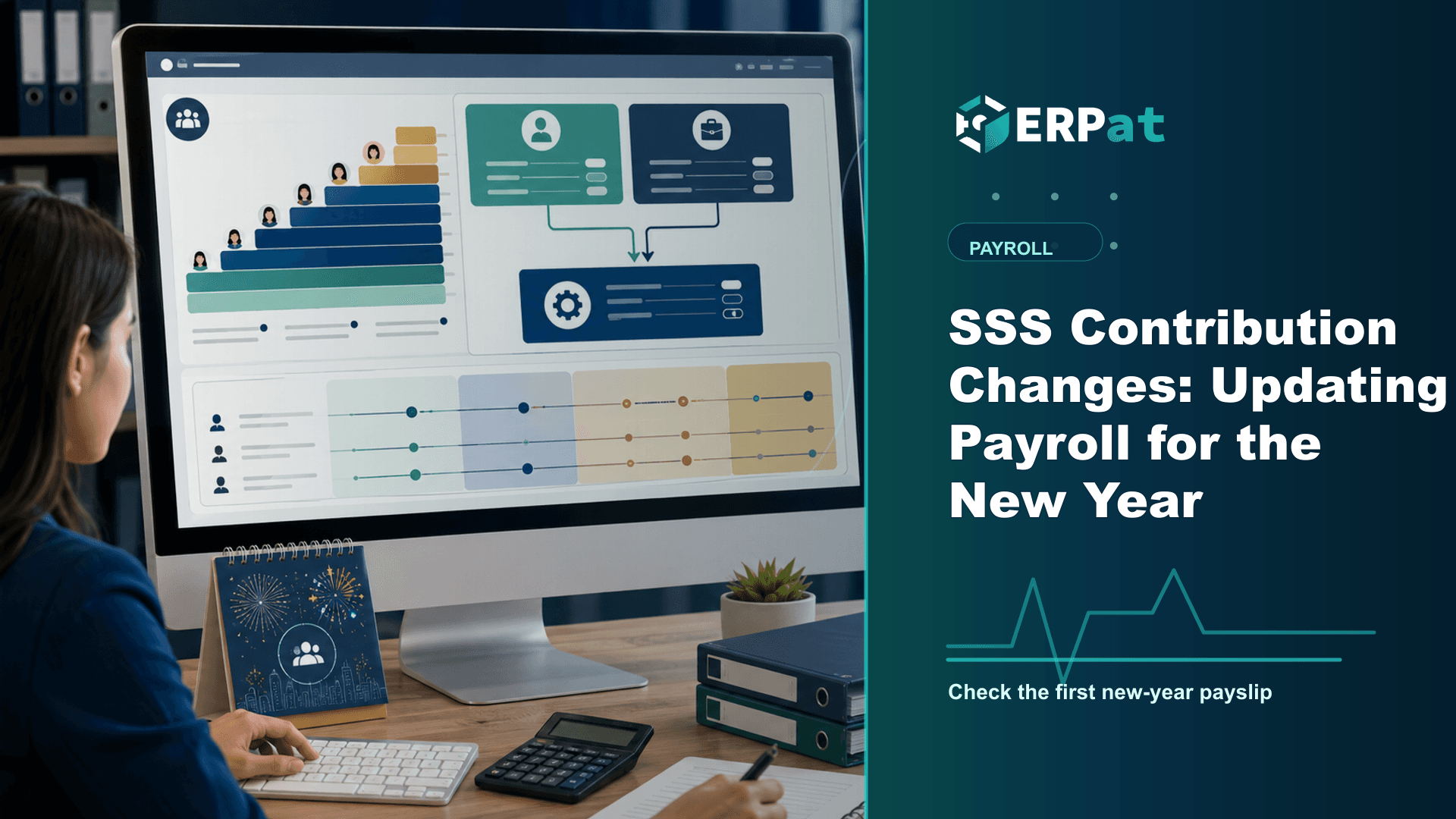
SSS Contribution Changes: Updating Payroll for the New Year
The January 2025 SSS schedule changes the rate, the floor and the ceiling all at once. Here is how to apply it across an existing payroll setup, and what to verify on the first payslip after the switch.
In this guide
What to watch for
Use the article to spot where payroll checks can be clearer, faster and easier to audit.
In this article
The first payroll run of the year is rarely just another cycle. For the applicable month of January 2025, SSS contributions move to a new schedule, and the change reaches every employee on the register rather than a handful of edge cases. Handled early, it is a configuration task that takes an afternoon. Handled late, it turns into a month of corrections, retroactive adjustments and awkward conversations about net pay.
What changed for the January 2025 applicable month
Effective January 2025, the SSS contribution rate is 15% of the Monthly Salary Credit, split 10% employer and 5% employee. The minimum MSC rises to ₱5,000 and the maximum to ₱35,000. For business employers and their employees the schedule is carried by SSS Circular No. 2024-006; other member types have their own issuances — 2024-007 for household employers and kasambahay, 2024-008 for the self-employed, 2024-009 for voluntary members and non-working spouses, and 2024-010 for land-based OFWs. If you employ a kasambahay at home as well as staff at work, you are looking at two circulars, not one.
None of this arrived without warning. RA 11199, the Social Security Act of 2018, wrote the ladder into the statute itself: 12% in 2019, 13% in 2021, 14% in 2023 and 15% in 2025, with the MSC floor and ceiling stepping up alongside each rate. January 2025 is the final tranche of that ladder, which SSS projects will extend the fund's life to 2053. That makes it worth setting up properly — it is the last scheduled step of this series, so the table you configure now should hold.
Three moving parts, not one
A rate change on its own would be easy to apply. This one carries three adjustments, and each lands on a different part of your payroll. The rate itself shifts the split for everybody. The floor moving from ₱4,000 to ₱5,000 changes the contribution of your lowest-paid staff, including anyone on a partial or entry-level rate who previously sat at the bottom bracket. The ceiling moving from ₱30,000 to ₱35,000 changes the deduction for senior and specialised roles whose contribution had been flat for two years.
That last group is where the largest peso movement sits, and where employees are most likely to notice. At the ₱35,000 maximum MSC the total monthly remittance is ₱5,280.00 — ₱3,530.00 from the employer, made up of ₱3,500 in SS contributions plus a ₱30 Employees' Compensation premium, and ₱1,750.00 from the employee. Anyone previously capped at the old ceiling will see a real change in take-home pay, so it is worth knowing which names those are before the payslips go out rather than after.
What sits inside the employer share
The employer share is not simply the mirror image of the employee deduction. The Employees' Compensation premium bundled into the SSS table is paid by the employer alone — ₱10 per month for members with an MSC of ₱14,500 and below, ₱30 per month at an MSC of ₱15,000 and above. It never appears as an employee deduction, and your cost projection for the year should account for it separately from the 10% counterpart.
There is a second split further up the table. The regular SSS fund is credited only up to an MSC of ₱20,000; the contribution computed on any MSC above that is diverted to the mandatory MySSS Pension Booster, the provident fund that began as WISP in January 2021 and was relaunched under the Pension Booster name in June 2024. For a higher earner, one deduction line on the payslip therefore lands in two different funds. Your payroll records should reflect that split the way the SSS schedule does, because the combined table is what you will be reconciling against at remittance time.
Applying the schedule to an existing setup
The safe approach is to update the contribution schedule in one place and let every payslip inherit it, rather than overriding individual employees. Set the effective applicable month so the December run is not silently re-rated, then re-derive each employee's MSC from the compensation currently on record. Pay particular attention to people hired in mid-December, staff whose rates changed at year-end, and part-time or probationary employees sitting near the new floor — those are the records most likely to land in the wrong bracket.
In ERPat, statutory deductions live in the Compensation module alongside earnings, allowances and payslip generation, with attendance feeding the earnings side of the same run. Because the deduction rules are configured once and applied across the payroll, updating the schedule is a single change rather than an employee-by-employee edit, and the resulting payslips carry the new figures consistently.
The MSC is derived from the compensation on record, so a correct schedule applied to an outdated rate still produces the wrong contribution. Reconcile salary records first, then load the new brackets.
What to check on the first payslip
Do not accept the run wholesale. Pull three employees before you finalise: one at or near the new floor, one in the middle of the table, and one at or above the ceiling. For each, confirm that the employee line equals 5% of the MSC the schedule assigns, that the employer counterpart is 10% of the same MSC, and that the EC premium appears on the employer side only. The ceiling case should cap at an MSC of ₱35,000 no matter how high the actual salary goes.
Then compare those same three payslips against December's. You are looking for movement you can explain in a sentence — a rate step, a bracket change, or both. Anything you cannot account for is a configuration issue, and it is far cheaper to find it in a preview than in a correction run three weeks later.
Housekeeping while you are in there
The remittance dates have not moved with the rate. Business employers remit SSS contributions by the last day of the month following the applicable month, so January's contributions are due at the end of February. If the deadline falls on a Saturday, Sunday or holiday, payment may be made on the next working day; otherwise late payments carry penalties. The ten-day window in Section 22(a) of RA 11199 is a default the Commission is empowered to vary, and it has — the last day of the following month is the operative deadline.
The other two mandatory contributions are steady this January, which is worth confirming rather than assuming. PhilHealth Advisory No. 2025-0002 keeps the premium rate at 5.0% with a ₱10,000 income floor and a ₱100,000 ceiling, computed on monthly basic salary only. Pag-IBIG's maximum fund salary remains ₱10,000, unchanged since February 2024, capping total monthly savings at ₱400 between member and employer.
Close the loop with your employees
The last step is the one most often skipped. A deduction that grows without explanation reads as an error, and payroll spends January answering the same question one desk at a time. A short note with the December-to-January comparison — the new rate, the new MSC limits, and the fact that the higher credited MSC is what the member's future benefits are computed on — costs very little to write and settles the question before it is asked.
Compliance context
Turn "SSS Contribution Changes: Updating Payroll for the New Year" into a compliance checklist
Compliance-heavy articles are most useful when they become a repeatable review habit. Treat the guidance as a way to confirm evidence, ownership and timing before reports or payroll records are submitted.
Part 1Documents and records to prepare
Before the team reviews compliance requirements, make sure the supporting records are complete and traceable.
- Employee master records, pay history, schedules, leaves and attendance logs
- Contribution, tax, deduction and adjustment summaries
- Approval records, exception notes and revision history
Part 2Common gaps to prevent
Compliance gaps often come from missing evidence rather than missing intent. The system should make proof easy to find.
- Late updates to employee status, salary rates or tax/contribution details
- Manual corrections without a reason or reviewer attached
- Reports generated from data that does not match the approved payroll run
Part 3How to make review repeatable
Create a simple rhythm: prepare records, run checks, document exceptions, approve, then lock the final version.
- Use the same checklist every cutoff or reporting period
- Assign one owner for exceptions and one owner for final approval
- Keep final reports and supporting details together for later audit review
Jerome Evangelista
Content & Solutions Writer
Writes about payroll automation, HRIS, and how Philippine businesses run leaner with ERPat.