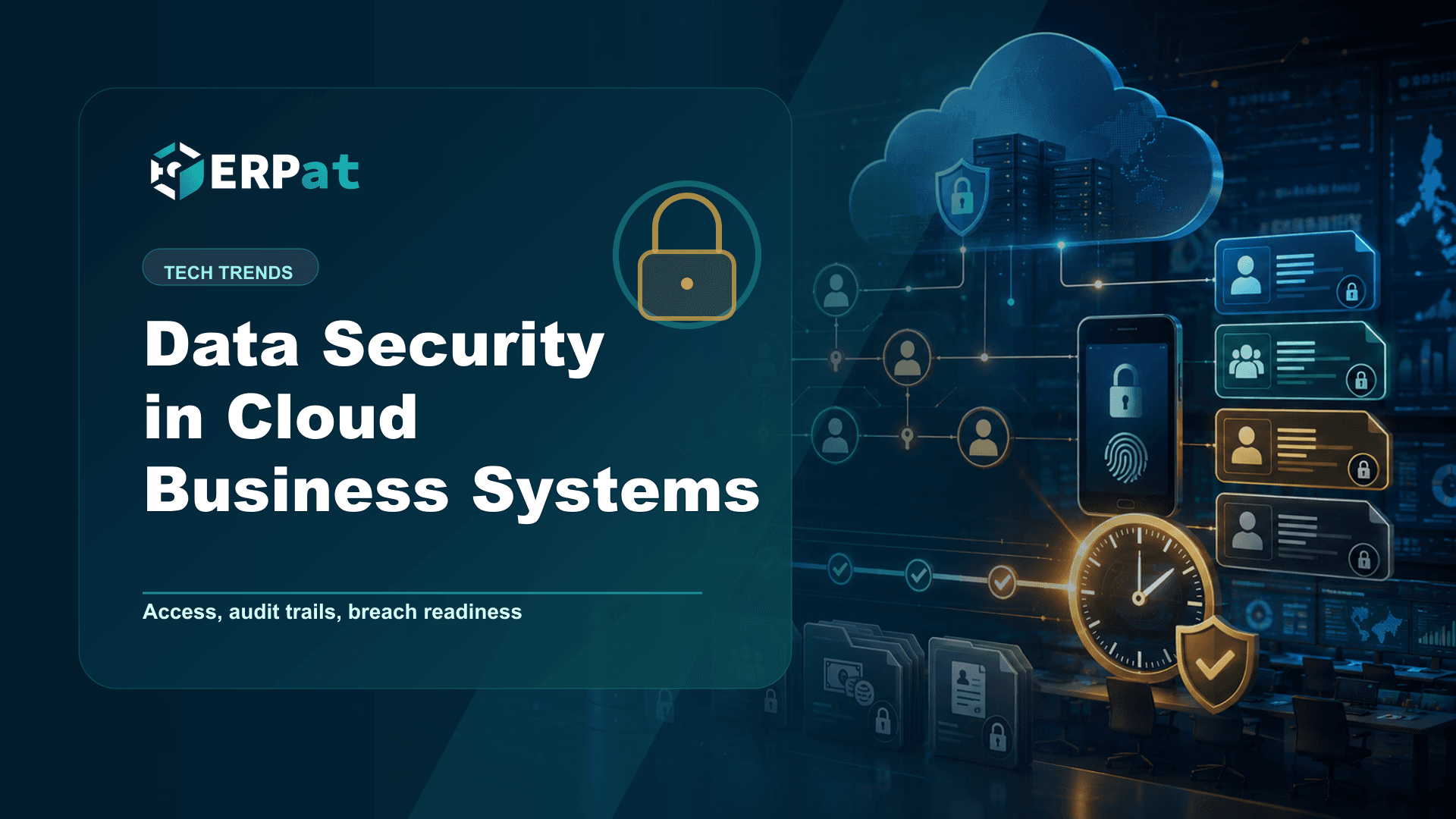
Data Security in Cloud Business Systems
A practical look at how cloud business systems are actually secured: role design, session control, tenant separation and the paperwork a breach demands. Written for Philippine companies keeping payroll and HR data online.
In this guide
What to watch for
Use the article to identify repeat work, handoff gaps and places where one source of truth would help.
In this article
- The perimeter is now a list of accounts
- Roles should describe your organisation, not your software
- Sessions are where access quietly outlives its purpose
- The baseline the National Privacy Commission already expects
- Separation between entities, not only between people
- Breach preparedness is a documentation problem first
- Starting from where you are
Moving a business system to the cloud does not remove your security responsibilities. It changes their shape. The server room lock and the office door stop being the main control, and the login screen becomes it instead. For a Philippine company keeping payroll, employee records and financial data in one platform, the most important security work is no longer about hardware at all — it is about who holds an account, what that account can reach, and how quickly you would know if something had gone wrong.
The perimeter is now a list of accounts
In an on-premise setup, a lot of security was accidental. A clerk could not open the payroll file because the payroll machine sat in a locked room on the second floor. That protection was never designed; it was a side effect of geography. Cloud systems remove the geography and leave only the design.
What replaces it is an explicit list: every person with credentials, and every thing each of those credentials is allowed to do. The list is small enough to read in one sitting at most small and mid-sized companies, which is exactly why it is worth reading. Most access problems are not sophisticated attacks. They are an account that was created for a project three years ago and never closed, or a supervisor who was given full rights because it was faster than deciding which rights they actually needed.
ERPat handles this through its Security module, which manages accounts, sessions, roles and granular access control across every module in the platform. The mechanism matters less than the discipline of using it deliberately.
Roles should describe your organisation, not your software
A role is a job description written in a form the system can enforce. That framing helps, because it turns an IT decision into a management one. A payroll officer needs to compute and release pay runs. An HR staff member needs employee records but has no business adjusting general ledger entries. A branch supervisor may need attendance for their own team and nothing beyond it.
Granular access control lets you draw those lines per module rather than handing out one blunt level of trust. The goal is least privilege: each person holds the smallest set of permissions that lets them finish their actual work. It is not a statement of distrust. It is what makes an accidental deletion recoverable and a compromised password survivable.
Review roles on a schedule, not only when someone complains. Promotions, transfers and resignations all change what a person should be able to reach, and access accumulates far more easily than it disappears. A short quarterly pass through the role list catches most of the drift.
Sessions are where access quietly outlives its purpose
Roles decide what an account may do. Sessions decide when it is currently doing it. The two are often confused, and the gap between them is where real exposure sits — a browser left signed in on a shared workstation, a personal laptop that still holds a valid session after the employee has moved on, a device that went missing over a weekend.
Session visibility turns that from guesswork into something you can act on. Being able to see active sessions on an account, and to end them, is what makes offboarding immediate rather than eventual. When a resignation takes effect, the useful question is not only "has the account been disabled" but "has every live session for that account been terminated."
Pair this with basic hygiene your staff can follow without a manual: individual accounts only, never a shared login for a department; sign out on shared machines; and treat credentials as the personal property of one named person. Shared accounts are the single fastest way to destroy the value of every other control on this list, because they make the audit trail meaningless.
The baseline the National Privacy Commission already expects
Philippine data privacy rules have moved from principles toward specific technical expectations. NPC Circular No. 2023-06, on the security of personal data in the government and private sector, took effect on 30 March 2024 with a twelve-month transitory period that ended on 30 March 2025. Among other things, it requires secure authentication mechanisms — such as multifactor authentication or secure encrypted links — for personnel accessing sensitive personal information, privileged information or a high volume of personal data. It also requires files on removable or portable storage media to be encrypted, and prohibits transmitting documents containing personal data by facsimile.
Registration is a separate obligation. Under NPC Circular No. 2022-04, effective 11 January 2023, a personal information controller or processor that employs 250 or more persons, processes sensitive personal information of 1,000 or more individuals, or processes data likely to pose a risk to data subjects' rights must register its data processing systems and its Data Protection Officer with the NPC.
More recently, NPC Advisory No. 2025-02, dated 27 August 2025, issued guidelines on privacy engineering in systems life cycle processes, applying privacy-by-design and privacy-by-default expectations from planning and development through testing, deployment and ongoing operation.
Separation between entities, not only between people
Some companies need a boundary that roles alone cannot draw. A holding company with several operating subsidiaries, an accounting practice running payroll for multiple clients, or a franchise group with independent owners all face the same requirement: the data of one entity must not be visible from another, even to a user with senior rights inside their own.
ERPat's Tenancy module addresses this by allowing multiple separate tenant instances to run from a single deployment. Each tenant keeps its own boundary while the organisation keeps one platform to administer and one set of standards to apply. The practical benefit is that a mistake in role design inside one tenant cannot spill into another, because the separation is structural rather than a matter of permissions being configured correctly.
Breach preparedness is a documentation problem first
Preparedness is mostly about what you can produce under time pressure. Under NPC Circular No. 16-03, a personal information controller must notify the National Privacy Commission within seventy-two hours of knowledge of, or reasonable belief in, a personal data breach. NPC Advisory No. 2026-02, dated 11 May 2026, confirms that the full breach report is due within five days from the date of discovery, submitted to [email protected], and that filing a request through the Data Breach Notification Management System does not suspend or relieve any obligation under Circular 16-03.
Those windows are short. Meeting them depends on already knowing what personal data you hold, where it sits, who could reach it and what they did. ERPat's Compliance module supports that side of the work through policy tracking, audit trails and the documentation regulators ask for — so the record you need on day one of an incident is a record you have been keeping all along, not one you are reconstructing from memory.
The seventy-two-hour window runs from the moment you know of or reasonably believe in a breach, which is usually well before you understand its full extent. Decide now who makes that call and who files, because the notification cannot wait for the investigation to finish.
Starting from where you are
None of this requires a security programme built from scratch. Start by printing the list of active accounts and asking, for each one, whether that person still works here and still needs that level of access. Then write down who is responsible for terminating sessions when someone leaves, and who notifies the NPC if a breach is suspected. Those two short documents, plus roles that honestly reflect your organisation chart, put you ahead of most companies of comparable size — and they are the foundation everything more sophisticated is built on.
Compliance context
Turn "Data Security in Cloud Business Systems" into a compliance checklist
Compliance-heavy articles are most useful when they become a repeatable review habit. Treat the guidance as a way to confirm evidence, ownership and timing before reports or payroll records are submitted.
Part 1Documents and records to prepare
Before the team reviews compliance requirements, make sure the supporting records are complete and traceable.
- Employee master records, pay history, schedules, leaves and attendance logs
- Contribution, tax, deduction and adjustment summaries
- Approval records, exception notes and revision history
Part 2Common gaps to prevent
Compliance gaps often come from missing evidence rather than missing intent. The system should make proof easy to find.
- Late updates to employee status, salary rates or tax/contribution details
- Manual corrections without a reason or reviewer attached
- Reports generated from data that does not match the approved payroll run
Part 3How to make review repeatable
Create a simple rhythm: prepare records, run checks, document exceptions, approve, then lock the final version.
- Use the same checklist every cutoff or reporting period
- Assign one owner for exceptions and one owner for final approval
- Keep final reports and supporting details together for later audit review
Jerome Evangelista
Content & Solutions Writer
Writes about payroll automation, HRIS, and how Philippine businesses run leaner with ERPat.