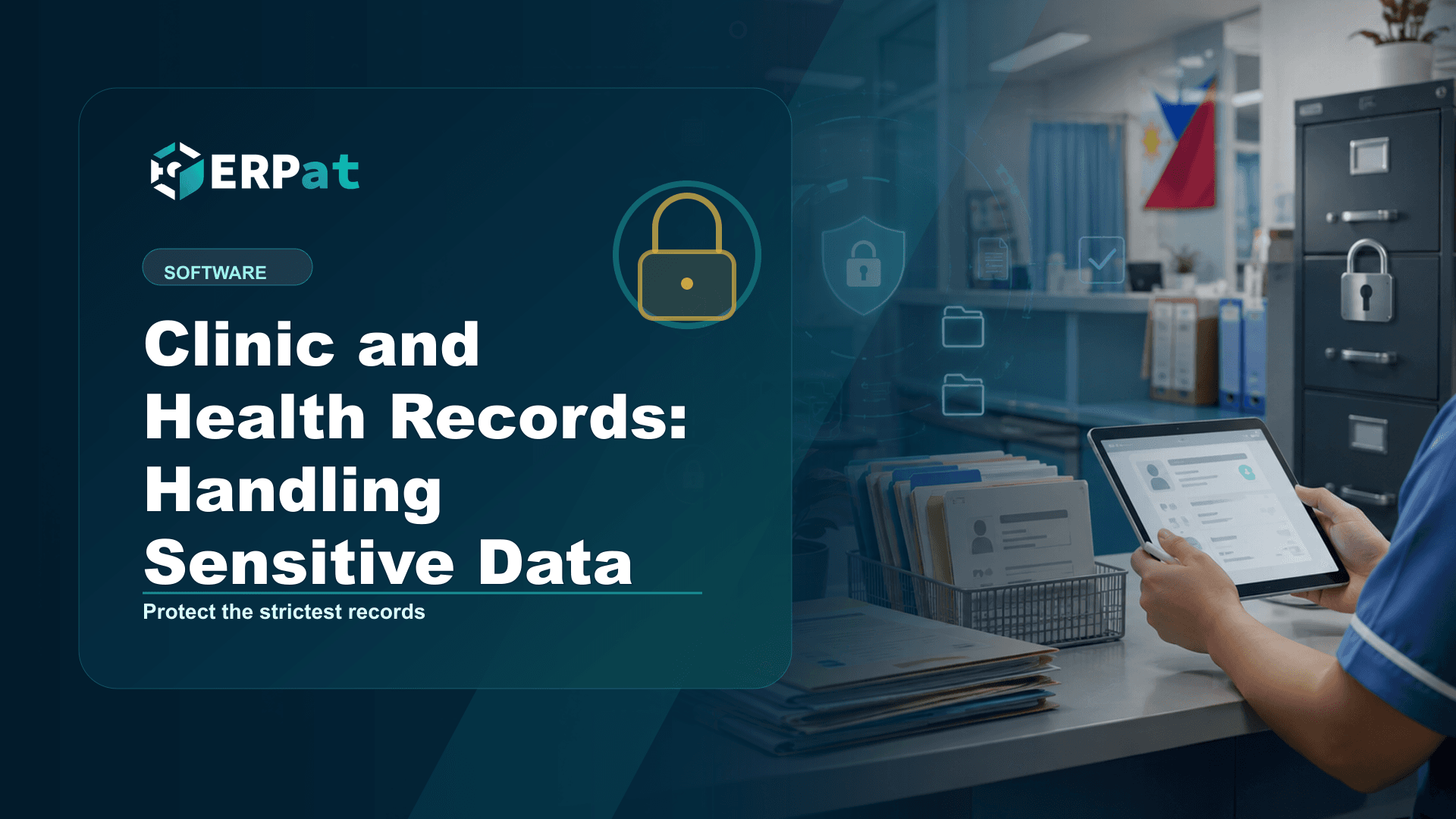
Clinic and Health Records: Handling Sensitive Data
Company clinics and hospitals hold the most sensitive category of personal data there is. Here is how Philippine employers can structure health records, restrict access and keep the documentation the National Privacy Commission expects.
In this guide
What to watch for
Use the article to identify repeat work, handoff gaps and places where one source of truth would help.
In this article
A company clinic accumulates health information faster than anyone plans for it. Pre-employment exam results arrive as scanned attachments, the nurse keeps a visit logbook, fit-to-work certificates get forwarded to a supervisor, and somewhere in HR there is a folder of medical reimbursement claims. Each of those is sensitive personal information under Philippine law, and most of them sit in places nobody would want to defend if the National Privacy Commission came asking.
Health data sits in a stricter category than the rest of your records
The Data Privacy Act of 2012 draws a line between personal information and sensitive personal information, and anything describing a person's health, medical history or treatment falls on the stricter side of it. Processing that category is treated as prohibited unless one of a limited set of lawful criteria applies — a much narrower gate than the general one covering names, addresses and payroll figures.
Many employers assume a signed consent form settles the question. It does not, and consent may not even be the right basis to lean on. NPC Circular No. 2023-04, the Guidelines on Consent issued in November 2023, states that where processing rests on another lawful criterion under Section 12 or 13 of the Act, the controller need not obtain the data subject's consent for that processing. The practical implication is that for every set of health records you keep, you should be able to name why you hold it and under which criterion — before you worry about the form.
Two sets of records, two different audiences
Most organizations that run a clinic are really keeping two separate bodies of health data. The first is clinical: patient histories, consultations, admissions and treatment notes, created for the purpose of delivering care. The second is administrative: a fit-to-work certificate, the record that a sick leave was supported by a medical certificate, a reimbursement claim attached to a benefit.
They serve different purposes, they are read by different people, and they should not live in the same undifferentiated pile. A payroll officer processing a leave conversion needs to know that an absence was certified, not what the diagnosis was. A supervisor approving a return to work needs a clearance, not a chart. When clinical and administrative records are merged into one shared drive or one spreadsheet, everyone with access to the file effectively has access to the most sensitive item in it — and that is how over-broad access happens without anybody deciding on it.
Access control does most of the work
This is where a platform helps in a way a filing cabinet cannot. The Security module governs accounts, sessions, roles and granular access control across every module, so permission becomes a property of the role a person holds rather than a matter of who happens to know where the folder is. Clinic staff see clinical records, HR sees the administrative outcome, and finance sees a claim amount without a diagnosis attached to it.
Two habits matter more than the feature list. First, grant the narrowest access that lets someone do their job, and revisit it whenever people change roles, because permissions accumulate quietly. Second, never share a login. A shared account destroys attribution: if six people use the same credentials, no log can tell you which of them opened a record, and every later investigation stalls at exactly that point. Individual accounts with individually managed sessions are what make everything in the next two sections possible.
Keeping the clinical record in one place
Copies are the real leak. A patient list exported to a spreadsheet for a meeting, a chart photographed and sent through a messaging app, a printed admission sheet left on a counter — none of these feel dramatic, and all of them sit outside whatever controls you configured. The most effective privacy measure available to a clinic is usually to reduce the number of places a record exists at all.
The Hospital module is built around that idea: patient records, admissions and clinical workflows held in one system, so intake, admission and the clinical steps that follow write to the same record instead of spawning a new document at each hand-off. Staff stop re-keying information that already exists, which removes a transcription risk and one common reason for keeping a personal working copy. It also means that when you need to answer a question about a particular patient's data — what you hold, who touched it, whether it should still be there — there is a single place to look.
Proving it: audit trails, registration and the 72-hour clock
Obligations under the Data Privacy Act are documentary as much as technical. The Compliance module covers policy tracking, audit trails and the documentation regulators ask for, which matters most at the two moments you cannot improvise your way through: an NPC inquiry, and a breach.
Under NPC Circular No. 16-03, a personal information controller must notify the Commission within seventy-two hours of knowledge of, or reasonable belief in, a personal data breach. That is not much time to reconstruct events from memory. An access trail recording which account opened which record, and when, is the difference between a factual notification and a guess.
Registration is the other item worth checking early. NPC Circular No. 2022-04, effective 11 January 2023, requires a controller or processor employing 250 or more persons, or processing sensitive personal information of 1,000 or more individuals, or whose processing is likely to pose a risk to data subjects' rights, to register its data processing systems and its Data Protection Officer. A clinic reaches that thousand-individual threshold far sooner than headcount alone would suggest.
What the system will not do for you
NPC Circular No. 2023-06 on the Security of Personal Data took effect on 30 March 2024, and its twelve-month transitory period ended on 30 March 2025, so it is simply the standard now. It requires secure authentication mechanisms — such as multifactor authentication or secure encrypted links — for personnel accessing sensitive personal information, privileged information or a high volume of personal data; it requires files on removable or portable storage media to be encrypted; and it prohibits transmitting documents containing personal data by facsimile. NPC Advisory No. 2025-02, issued on 27 August 2025, goes further upstream, setting out guidelines on privacy engineering across the systems life cycle so that privacy-by-design and privacy-by-default expectations apply from planning and development through to daily operation.
Roles, logs and encryption describe only what your system permits; they say nothing about the printout left on a desk or the case discussed within earshot of a waiting area. The controls have to be paired with written policy, staff training and a named person accountable for both.
Start with an inventory rather than a purchase. Write down every place health information currently lives — the logbook, the shared folder, the mailbox, the spreadsheet — and for each one name its purpose, its lawful basis, and the people who genuinely need it. That list usually shortens on its own, and it tells you precisely what a system should take over and what ought to stop being kept at all. Software makes the remaining pile far easier to control; it cannot decide for you what belongs in it.
Compliance context
Turn "Clinic and Health Records: Handling Sensitive Data" into a compliance checklist
Compliance-heavy articles are most useful when they become a repeatable review habit. Treat the guidance as a way to confirm evidence, ownership and timing before reports or payroll records are submitted.
Part 1Documents and records to prepare
Before the team reviews compliance requirements, make sure the supporting records are complete and traceable.
- Employee master records, pay history, schedules, leaves and attendance logs
- Contribution, tax, deduction and adjustment summaries
- Approval records, exception notes and revision history
Part 2Common gaps to prevent
Compliance gaps often come from missing evidence rather than missing intent. The system should make proof easy to find.
- Late updates to employee status, salary rates or tax/contribution details
- Manual corrections without a reason or reviewer attached
- Reports generated from data that does not match the approved payroll run
Part 3How to make review repeatable
Create a simple rhythm: prepare records, run checks, document exceptions, approve, then lock the final version.
- Use the same checklist every cutoff or reporting period
- Assign one owner for exceptions and one owner for final approval
- Keep final reports and supporting details together for later audit review
Jerome Evangelista
Content & Solutions Writer
Writes about payroll automation, HRIS, and how Philippine businesses run leaner with ERPat.