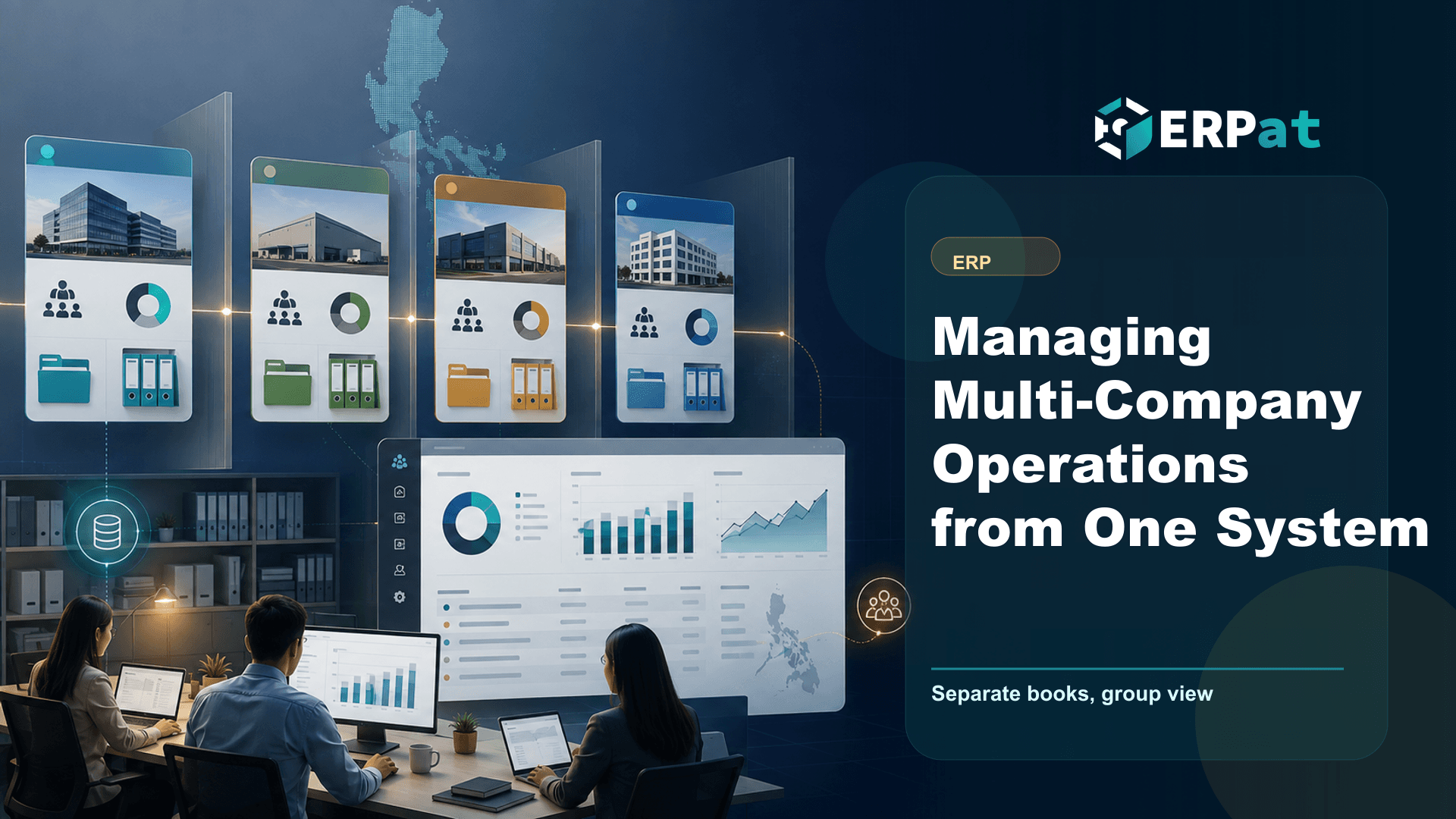
Managing Multi-Company Operations from One System
Running several companies usually means repeating the same work in parallel. This is how a multi-tenant ERP keeps each entity's books and access properly separate while still giving you a group-level view.
In this guide
What to watch for
Use the article to identify repeat work, handoff gaps and places where one source of truth would help.
In this article
Plenty of Philippine businesses end up running more than one company long before anyone plans for it. A trading arm gets its own SEC registration, a services entity is spun off to serve a different client base, and the property is parked in a third corporation. Each one is legally its own person with its own books, its own BIR registration and its own returns — but they share the same accountant, the same HR staff and the same tired set of spreadsheets. The question is never whether to keep them separate. It is how to keep them separate without doing every task three times.
Separation is the constraint, not a preference
It is worth being precise about what "multi-company" means before choosing any software for it. Two corporations with overlapping owners are still two taxpayers. Each files its own returns, keeps its own books of account, registers its own employees with SSS, PhilHealth and Pag-IBIG, and answers for its own records if an examiner asks. Nothing about a shared management team changes that.
This is why the common shortcut fails so reliably. Teams add a "company" column to one shared worksheet or one shared accounting file, then filter it when they need a per-entity report. It works until the first time someone forgets the filter, or until an audit asks for the ledger of one entity and the honest answer is that it does not exist as a standalone thing. Separation that depends on a person remembering to apply it is not separation. It has to be structural, enforced by the system below the level where anyone can be careless.
What "one system" should actually mean
The goal is not one shared pool of data. It is one platform, one login experience, one set of processes and one team's worth of training — sitting above properly isolated data per entity. That distinction is exactly what the Tenancy module in ERPat exists to handle: it runs multiple separate tenant instances from a single ERPat deployment.
In practice, each legal entity gets its own tenant. The trading company's chart of accounts, employees, transactions and reports live in that tenant and nowhere else. Nothing leaks sideways because there is no shared table to leak through. Meanwhile the platform itself — the modules, the workflows, the way a payment or an expense is recorded — is the same everywhere, so a finance officer who learns the process in one entity already knows it in the next.
That combination is what makes running several companies bearable. You standardise the operating model across the group while keeping the records genuinely distinct, instead of trading one problem for the other.
Roles decide whether the setup survives contact with reality
Structural separation only holds if access respects it. In most groups, people are shared even when entities are not: one bookkeeper handles two companies, the HR head covers all of them, and an outside accountant needs to see a single entity's books for a single quarter. If everyone with a login can reach everything, the separation you built is decorative.
This is the job of the Security module, which covers accounts, sessions, roles and granular access control across every module. Roles let you describe what a person may do rather than who they are — a payables role, an HR role, a read-only reviewer role — and then grant that role only where it applies. The bookkeeper who works on two of your four entities is given access to those two.
Sessions matter as much as permissions. Knowing who is signed in, from where, and being able to end a session promptly is what turns access control from a configuration exercise into something you can actually attest to when a client or an auditor asks how records are protected.
Each entity keeps its own books
Once entities are separated, finance stops being a filtering exercise and starts being ordinary accounting done several times over. The Finance module handles accounts, expenses, payments, loans and reconciliation with automated tax calculations and dynamic reports — and it does that inside each tenant, against that entity's own accounts.
The practical effect is that every company has a complete, standalone financial record. Its reconciliations reflect its own bank activity. Its tax computations run on its own transactions, at the rates in force for the period, rather than on a pooled figure someone has to unpick later. When you need the books of the services entity, you open the services entity — not a report that promises to have excluded everything else.
It also removes a whole class of quiet errors. Payments applied to the wrong company, expenses booked against a sister entity because the dropdown defaulted somewhere, intercompany balances that nobody notices until year-end: most of these come from a shared workspace where the wrong choice was always one click away. Give each entity its own space and the wrong choice stops being available.
Consolidated reporting without pretending the entities are one
Owners still need to see the group. The way to get there is to produce clean per-entity reports first, then read across them deliberately — same reporting period, same account structure, same definitions of revenue and cost in every tenant. Consolidation is only as good as the comparability of the statements underneath it, and comparability is something you design in at setup, not repair at reporting time.
That is the argument for aligning the chart of accounts across entities early, even when they trade in different things. If "professional fees" means the same thing in all three companies, a group view is arithmetic. If it does not, someone spends the first week of every quarter mapping accounts by hand.
Reading entity reports side by side answers management questions, but audited consolidated financial statements still require eliminating intercompany transactions and balances under the applicable accounting standards. That judgement belongs to your accountant, not to a report layout.
Decisions worth making before you migrate
A few choices at setup determine how much friction you live with afterwards. Decide which legal entities become tenants and which are only cost centres inside one — dormant holding companies often do not need their own instance. Agree on the account structure and naming conventions before anyone's opening balances are loaded, because renaming accounts across several entities later is tedious work that nobody volunteers for.
Then decide who administers what. Someone has to own user provisioning across the group, and it should be a named person with a defined process, not whoever happens to be free. Write down which roles exist, what each may see, and what happens when a shared staff member changes assignment or leaves. Finally, pick a cutover date that lines up with a natural accounting boundary. Migrating mid-period means reconciling two systems for the same weeks, which is exactly the duplicated effort you were trying to eliminate.
Where to start
If you are running several companies today, the useful first step is not software selection. It is writing down the entities you actually have, who touches each one, and which reports the owners read every month. That list tells you how many tenants you need, what roles to define, and where your account structures already disagree. The platform work is straightforward once those three answers exist — and considerably more expensive when they do not.
Technology decision context
Use "Managing Multi-Company Operations from One System" to make a better systems decision
Technology articles are most useful when they help the team decide what to change next. Focus on the process problem first, then choose the tool or integration that removes the most repeated work.
Part 1Start from the workflow, not the tool
A system change should solve a visible operational problem. Map who creates data, who reviews it and who depends on the result.
- Identify repeated encoding, manual exports and duplicate records
- Find handoffs that rely on reminders instead of system status
- Separate must-have controls from nice-to-have interface features
Part 2Integration details to check
A useful system should reduce context switching and make data easier to trust across teams.
- Which records need one source of truth?
- Which reports depend on data from more than one department?
- What permissions, audit logs and backups are required?
Part 3How to judge success
A better technology setup should improve speed, reliability and confidence in decisions.
- Fewer manual workarounds after rollout
- Shorter time from request to approval or report
- Clear ownership when something is missing or incorrect
Jerome Evangelista
Content & Solutions Writer
Writes about payroll automation, HRIS, and how Philippine businesses run leaner with ERPat.