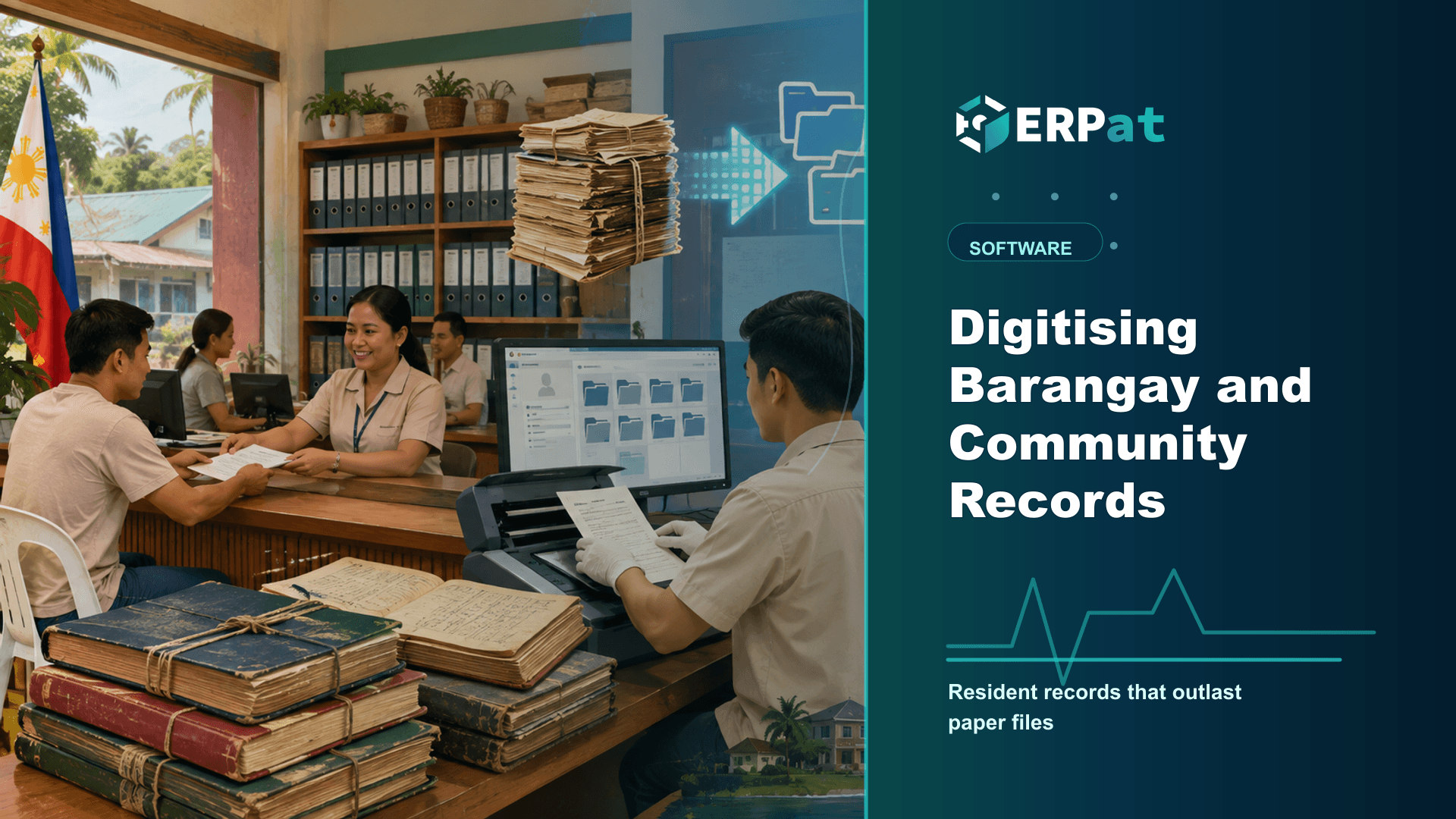
Digitising Barangay and Community Records
Barangay halls run on paper that is hard to search and easy to lose. Here is how resident records, certificates, clearances and the case blotter change when they move into a shared digital system.
In this guide
What to watch for
Use the article to identify repeat work, handoff gaps and places where one source of truth would help.
In this article
- Start with the resident record, not the certificate
- Certificates and clearances stop being retyped from scratch
- The blotter is a record of record
- Files that outlast the officials who created them
- Access, privacy and the duty that comes with it
- Making the switch without closing the counter
- What a clean record set actually buys
Ask a barangay secretary where the list of residents lives and the honest answer is usually a shelf of logbooks, a drawer of photocopied identification cards, and one long-serving staff member who remembers the rest. It works until that person is on leave, or until a resident who moved houses three years ago needs proof of residency this afternoon. Barangay records are among the most requested documents in the country and among the least systematically kept. Digitising them is less a technology project than an exercise in making a barangay's own memory reliable.
Start with the resident record, not the certificate
Most barangays that try to computerise begin at the counter, because that is where the queue is. It is the wrong end. Every certificate, clearance and blotter entry a barangay issues points back to a person and an address, so if the underlying resident list is unreliable, a faster printer only produces wrong documents more quickly.
The Barangay Governance module treats resident records as the base layer for exactly this reason. One record per resident, tied to a household and an address, is what allows everything else to stop being retyped. The hard part is not the software; it is the clean-up. The same person often appears in three logbooks under three spellings, households have split since the last listing, and some entries belong to people who moved out two administrations ago.
Do that reconciliation once, deliberately, with the officials who actually know the purok. It is tedious work, and it is the only part of this that cannot be shortcut.
Certificates and clearances stop being retyped from scratch
Certificates of residency and indigency, clearances for employment, and the barangay clearance that business owners collect as part of their permit cycle are the same handful of documents produced over and over. Typed fresh each time, they carry whatever the encoder remembered on that day, and the office keeps no usable record of what it has already released.
When issuance runs off the resident record, the resident's details come from one place and reach the document unchanged. The issuance is captured in the same system rather than in a separate release book, so a request for a reissued copy becomes a lookup instead of an archaeology exercise. That difference is felt most in January, when everyone needing a clearance arrives in the same fortnight.
None of this changes the substance of the document. What a certificate must contain, who is authorised to sign it and what fee applies are set by law and by local ordinance; the system only removes the retyping around them.
The blotter is a record of record
The case blotter is the most sensitive book in the hall and often the most fragile. Entries are handwritten in sequence and a great deal rests on them: neighbourhood disputes are expected to pass through barangay conciliation before they can proceed further, and the blotter is where that history is written down. A missing volume is not an inconvenience, it is a gap in someone's case.
Keeping the blotter in the Barangay Governance module preserves the two properties a blotter needs. Entries stay in order and attached to the people involved, and they stay findable by name, by date, or by the parties to a complaint, without leafing through years of pages. Officials who take office after an election inherit the record itself rather than a recollection of it.
It also quietly raises the standard of what gets written. An entry that a successor will read tends to be more careful than one written to be forgotten.
Files that outlast the officials who created them
Beyond residents and cases, a barangay generates paper that has to survive term changes: ordinances and resolutions, minutes, budget documents, project files, agreements, and scanned copies of everything submitted to the city or municipality. These typically live in a cabinet, on someone's personal laptop, or in a folder that leaves when its owner does.
The Documents module is the place for that material. It stores files centrally with role-based access controls, so a clerk, a kagawad and the secretary need not all see the same things, and with version tracking, so the third draft of an ordinance stays distinguishable from the version actually passed. Anyone who has argued about which copy is final will recognise why that second point is not a minor feature.
Central storage also makes turnover survivable: when new officials take office, the institutional record is something they can be given access to, not a box someone has to remember to hand over.
Access, privacy and the duty that comes with it
A barangay handling resident records, indigency certificates and blotter entries is handling sensitive personal information about its own neighbours. The Data Privacy Act made that a formal responsibility, and the office being small does not lift it. Paper concealed the problem rather than solving it: an unlocked cabinet has no access control at all, and nobody can say afterwards who read a file.
Role-based access is the practical answer. Decide which staff need resident records to do their work, which need blotter entries, and which need neither, then configure that instead of relying on habit and goodwill. It is a short conversation that most offices have never had explicitly.
Access controls make careful handling easier to practise, but the obligations under the Data Privacy Act sit with the barangay, not with the system. Someone still has to decide who may see what, and revisit that list whenever officials and staff change.
Making the switch without closing the counter
The usual failure mode of a records project is trying to scan everything before anything goes live. Barangays that get through it sequence the work: get the resident list clean and in use, move certificate and clearance issuance onto it, then bring in the blotter and digitise back-years only as far as they are actually consulted. Older volumes stay in the cabinet, properly stored, until there is time.
Run in parallel for a period. Keep issuing on paper while the same transaction is recorded in the system, so staff build the habit before the paper stops. Train at least two people on every routine task; a single trained encoder is the same single point of failure as the one staff member who remembered everything.
Plan for ordinary realities too. Outages, an intermittent connection and a failed printer are part of the week, and the person at the counter still has to be served, so keep a manual fallback and a backup routine that someone is genuinely accountable for.
What a clean record set actually buys
A year in, the visible change is small and unglamorous: the queue moves, a reissued certificate takes a minute, and the secretary can answer a question about a case from 2023 without a trip to the storeroom. The larger change is institutional. The barangay's knowledge stops living in one person's memory and starts living in a record that survives leave, illness and elections.
That is the argument for doing this carefully rather than quickly. Digitising community records is not about the hall looking modern; it is about a resident who needs proof of who they are and where they live being served the same way on any day, by whoever happens to be at the counter.
Compliance context
Turn "Digitising Barangay and Community Records" into a compliance checklist
Compliance-heavy articles are most useful when they become a repeatable review habit. Treat the guidance as a way to confirm evidence, ownership and timing before reports or payroll records are submitted.
Part 1Documents and records to prepare
Before the team reviews compliance requirements, make sure the supporting records are complete and traceable.
- Employee master records, pay history, schedules, leaves and attendance logs
- Contribution, tax, deduction and adjustment summaries
- Approval records, exception notes and revision history
Part 2Common gaps to prevent
Compliance gaps often come from missing evidence rather than missing intent. The system should make proof easy to find.
- Late updates to employee status, salary rates or tax/contribution details
- Manual corrections without a reason or reviewer attached
- Reports generated from data that does not match the approved payroll run
Part 3How to make review repeatable
Create a simple rhythm: prepare records, run checks, document exceptions, approve, then lock the final version.
- Use the same checklist every cutoff or reporting period
- Assign one owner for exceptions and one owner for final approval
- Keep final reports and supporting details together for later audit review
Chelsea Cuevas
Content & Marketing Associate
Covers business growth, HR best practices, and the technology behind modern operations.