The Hidden Cost of Manual Payroll — and How Automation Fixes It
Manual payroll rarely fails all at once — it fails in small, repeated ways that cost rework, delay releases, and quietly erode employee trust. Here's what changes when attendance, compensation rules, and approvals run through one connected system.
In this guide
What to watch for
Use the article to spot where payroll checks can be clearer, faster and easier to audit.
In this article
Payroll is one of those processes that looks simple from the outside — enter the hours, apply the rates, release the pay — and turns out to be anything but, the moment a business grows past a handful of employees. Every additional branch, shift pattern, or allowance rule adds one more place for a manual process to quietly go wrong. Automation matters here not because it makes payroll faster for its own sake, but because it closes the gap between what actually happened at work and what ends up on a payslip.
The Hidden Cost of Manual Payroll
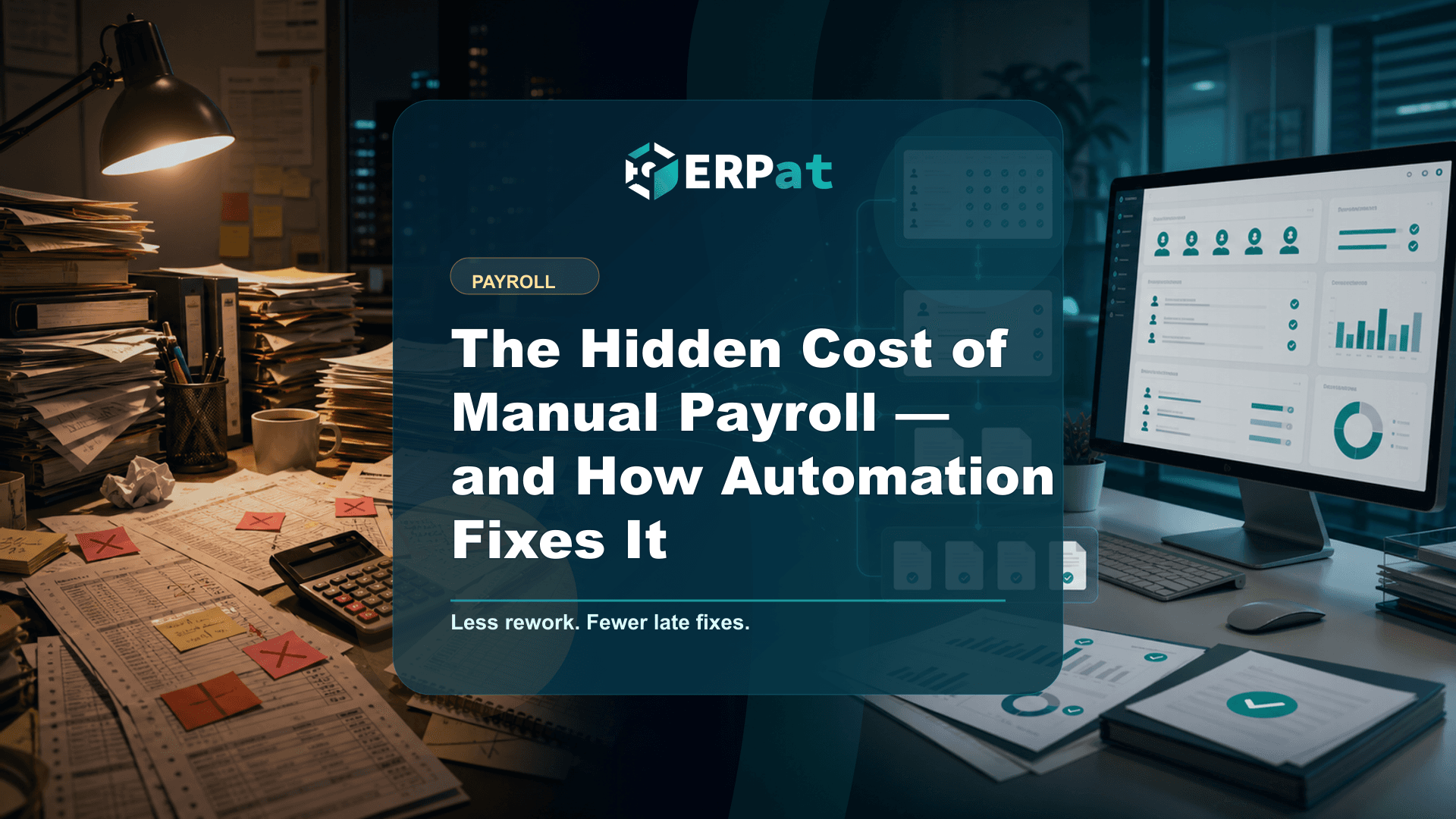
Most payroll problems don't show up as a single dramatic failure. They show up as small, repeated friction: a spreadsheet formula that didn't get updated when a new allowance rule was added, an attendance record pulled from one system and rekeyed into another, a compensation staff member cross-checking totals for two extra days before release because there's no other reliable way to be sure the numbers are right.
That rework has a cost even when it never produces a visible error — hours spent re-verifying instead of reviewing, and a payroll team that can't fully trust its own source data going into a cycle. When it does produce an error, the cost compounds. A discrepancy surfaces late and pushes the release date back. A correction has to be explained to an employee who was expecting a specific amount on a specific day. A gap in the documentation shows up during a compliance check months later, with no one quite able to reconstruct why a number was what it was.
There's a quieter cost too: trust. Employees don't need payroll to be dramatic — they need it to be predictable. A payslip that's late, or wrong, or unexplainable erodes that predictability faster than almost anything else an employer does, because it touches every single employee, every single cycle, without exception. Once that trust is shaken, it takes far more than one clean payroll run to earn it back.
How ERPat Simplifies Each Payroll Cycle
ERPat doesn't treat payroll as a standalone spreadsheet exercise bolted onto HR. The Compensation module sits directly on top of the Human Resource module, so the numbers a payroll cycle runs on come from the same system of record the rest of the company already uses for employee profiles, schedules, attendance, and leaves — not a second, disconnected copy of that data re-entered by hand.
A payroll result earns trust when it can be traced back to the record that produced it — not just when it arrives quickly.
ERPat design principle
From Payroll Preparation to Payslip Release
A payroll cycle is really a sequence of smaller checks, each depending on the one before it. Running them through a connected system doesn't remove any of these steps — it removes the manual handoffs between them.
- Collect and validate attendance records for the cutoff period.
- Confirm leave requests and other approved time-off have been accounted for.
- Apply the configured earnings, deductions, allowances, and statutory contribution rules for each employee.
- Review flagged anomalies — missing records, unusual overtime, or mismatched schedules.
- Route the completed run through the configured approval workflow.
- Generate payroll reports and individual payslips.
- Release payslips to employees and preserve the audit history for the cycle.
See a payroll cycle end to end
Walk through how attendance, configured compensation rules, and approvals come together in ERPat's Compensation module before a single payslip is generated.
Explore ERPat PayrollControl, Compliance, and Employee Trust
None of this works if the people touching payroll data can't be trusted with it, or if there's no record of who did what. ERPat's Security module governs accounts, sessions, and roles with granular access control, so payroll access is limited to the people who genuinely need it — not open by default because it's easier that way. Layered on top, the Compliance module tracks policy and keeps an audit trail, so a payroll run isn't just correct in the moment; it stays explainable later, when a regulator, an auditor, or an employee asks how a figure was reached.
That combination — restricted access plus a durable record — is what turns "we ran payroll" into "we can show exactly how we ran payroll." It's the difference between a process that merely produces a number and one that can stand behind it.
Configuring ERPat correctly — company policies, employee records, pay rates, and statutory contribution details — takes real setup work, and that configuration should be reviewed and tested before a business relies on it for a live payroll run.
Designed for Philippine Payroll Operations
Philippine payroll carries obligations that a generic system wasn't built around. Employers are expected to remit mandatory contributions to SSS, PhilHealth, and Pag-IBIG, withhold and report income tax under rules administered by the BIR, and observe labor standards enforced by DOLE, including well-known requirements like 13th-month pay. None of that goes away with automation — it still has to be configured correctly and kept current as an organization's own policies and records evolve. What changes is where that configuration lives: instead of being reconstructed from memory or a scattered set of files every cycle, it's set up once inside the Compensation module and applied the same way every time payroll runs.
What Improves After Payroll Automation
- Less repeated encoding of the same attendance and compensation data across separate files.
- Missing records get identified earlier in the cycle, not after payroll has already been calculated.
- Clearer accountability, since approval and access are tied to specific roles rather than informal habit.
- Shorter reconciliation time between attendance, compensation, and the final payslip figures.
- More consistent application of configured earnings, deduction, and contribution rules across every employee they apply to.
- Better payslip visibility for employees, who can view their own records instead of requesting a copy.
- Improved audit readiness, because the trail from record to result already exists instead of needing to be reconstructed.
What to Look for When Choosing a Payroll System
The features that matter most in a payroll system are rarely the ones that show up first in a sales pitch. Speed is easy to demonstrate; traceability is not, and it's traceability that a payroll team actually leans on when a number gets questioned. Look for a system where payroll draws from the same attendance and employee records the rest of the organization already maintains, rather than a separate module that has to be kept in sync by hand.
It's also worth asking how much of the configuration is actually visible and adjustable by the people who own it — HR and finance staff, not just a vendor's support team — since compensation rules, statutory contribution details, and access permissions all change as a business grows. A system that makes those settings clear and reviewable will hold up better over time than one that treats them as a black box.
Finally, weigh how the system handles the moment something goes wrong. Every payroll process eventually hits a missing record, a late approval, or a rule that needs correcting mid-cycle. What matters is whether the system surfaces that exception clearly enough to fix before release, and keeps a record of the fix afterward — because that, more than raw processing speed, is what payroll teams and employees are really trusting the system to get right.
Compliance context
Turn "The Hidden Cost of Manual Payroll — and How Automation Fixes It" into a compliance checklist
Compliance-heavy articles are most useful when they become a repeatable review habit. Treat the guidance as a way to confirm evidence, ownership and timing before reports or payroll records are submitted.
Part 1Documents and records to prepare
Before the team reviews compliance requirements, make sure the supporting records are complete and traceable.
- Employee master records, pay history, schedules, leaves and attendance logs
- Contribution, tax, deduction and adjustment summaries
- Approval records, exception notes and revision history
Part 2Common gaps to prevent
Compliance gaps often come from missing evidence rather than missing intent. The system should make proof easy to find.
- Late updates to employee status, salary rates or tax/contribution details
- Manual corrections without a reason or reviewer attached
- Reports generated from data that does not match the approved payroll run
Part 3How to make review repeatable
Create a simple rhythm: prepare records, run checks, document exceptions, approve, then lock the final version.
- Use the same checklist every cutoff or reporting period
- Assign one owner for exceptions and one owner for final approval
- Keep final reports and supporting details together for later audit review
Jerome Evangelista
Content & Solutions Writer
Writes about payroll automation, HRIS, and how Philippine businesses run leaner with ERPat.