Document Management: Ending the Hunt for Company Files
Business records scatter across drives, inboxes and filing cabinets until nobody can say which copy actually counts. Here is what changes when a company keeps one central library with role-based access and version history.
In this guide
What to watch for
Use the article to identify repeat work, handoff gaps and places where one source of truth would help.
In this article
- Why company files scatter in the first place
- Giving every record one place to live
- Access control is a design decision, not an afterthought
- Version history ends the argument about which copy is final
- What this looks like when someone asks for proof
- Starting a library without stopping the business
- The quiet payoff
Every office has a version of the same ritual. Someone needs last year's signed service agreement, or the current employee handbook, or a copy of a filing an auditor is asking about, and the search begins: the shared folder, then an email thread, then a chat message, then finally somebody's laptop. The file almost always turns up. The forty minutes spent finding it never come back.
Why company files scatter in the first place
Nobody sits down and decides to spread the company's records across five locations. It accumulates. A contract is drafted on the accounting PC because that is where the template lives. It gets emailed for review, so now a copy exists in three inboxes. Someone prints it for signature, so a paper original goes into a cabinet. Someone else saves it to a flash drive before a client meeting. Each of those steps was reasonable at the time.
The damage is not the duplication itself, it is the loss of authority. Once a document has been copied, it can be edited in the copy, and the original quietly stops being the true version without anyone announcing it. Small and mid-sized companies bridge that gap with institutional memory: ask the officer who has been there longest, because she knows where things are. That works until she is on leave, resigns, or simply cannot remember which of the three folders she used in 2020. What the business lost was never really a file. It was the ability to say with confidence which copy is the one that counts.
Giving every record one place to live
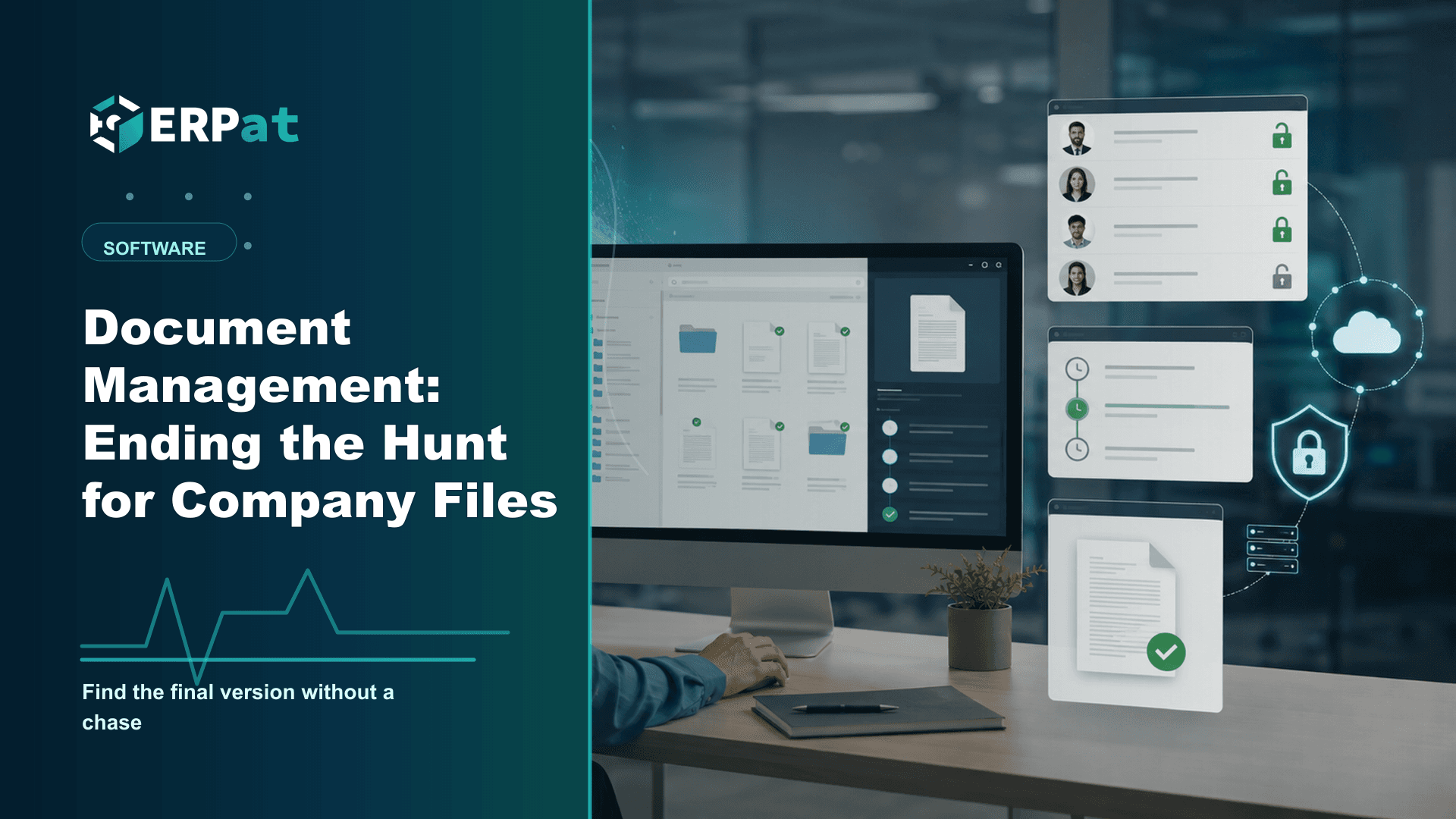
Central storage sounds like a small idea until you see what it changes. The Documents module in ERPat is a single, shared library where company records are kept, rather than a scattering of personal copies. Because the record has one home, referring to it stops being a matter of describing a folder path and becomes a matter of pointing at the document itself.
That shift has practical consequences beyond tidiness. A new hire does not need a guided tour of six folder structures; they need access to one library. An employee who leaves does not walk out with the only copy of a supplier agreement on a personal drive. A branch office or a home-based bookkeeper works from the same record as head office rather than from whatever version was last emailed to them. Retrieval also changes character. Instead of searching, which is open-ended and can quietly fail, you are performing a lookup, which either returns the document or tells you plainly that it was never filed. The second answer is unwelcome, but it is honest, and it is something you can act on.
Access control is a design decision, not an afterthought
A central library with no controls is just a filing cabinet nobody bothered to lock. This is where document management stops being a storage question and becomes a security question, because the moment everything sits in one place, everything in that one place is reachable.
ERPat handles this by pairing the Documents module's role-based access controls with the Security module, which manages accounts, sessions, roles and granular access across the platform. The important word is roles. Permission attached to a role is permission you can reason about: the payroll officer role opens compensation records, the general staff role opens the handbook and the standard company forms, and a person's access changes the moment their role changes rather than whenever somebody remembers to revoke it folder by folder.
It is worth being deliberate here before you upload anything sensitive. Personnel files, medical certificates and government-number records are personal data, and the Data Privacy Act expects access to them to be limited to the people whose work genuinely requires it. Deciding that in advance is far easier than retrofitting it onto a library everyone can already read.
Version history ends the argument about which copy is final
Anyone who has worked out of a shared folder knows the naming convention that emerges under pressure: contract, then contract-revised, then contract-final, then contract-final-2, then contract-final-approved. It is a version control system built out of filenames, and it fails in exactly the situation that matters, when two people each believe they are holding the latest one.
Version tracking in the Documents module attaches revisions to the document instead of multiplying files. The record keeps its identity while its history accumulates underneath it, so opening a policy tells you not only what it says now but whether a newer version exists. For anything revised on a cycle, that is the difference between a controlled document and a rumour: company policies, price lists, employment contract templates, standard operating procedures, the forms staff are told to use.
It also answers a question that comes up more often than people expect, which is not what the document says today but what it said then. When a disagreement turns on the leave policy that was in force at the time of an incident, a version history is the shortest route to an answer that everyone can accept.
What this looks like when someone asks for proof
Requests for documents rarely arrive politely spaced out. A BIR examination, a DOLE inspection, a client's due diligence checklist, a bank asking for supporting records on a loan application: each arrives with a deadline attached and a list of items to produce. The BIR expects books of accounts and their supporting documents to be preserved for the retention period set out in its regulations, and the practical burden of that requirement is almost never the keeping. It is the finding.
A central library changes what those weeks cost. The work becomes assembling documents that already exist in known locations, rather than reconstructing where each one ended up and then hoping the copy you found is the signed one. Version history contributes here too, since an examiner or an auditor asking about a past period is really asking about the document as it stood in that period.
If half the team keeps emailing attachments as the working copy, the library becomes a sixth place to look instead of the only one. The company has to decide out loud that the library holds the official version, and then behave as though that is true.
Starting a library without stopping the business
The instinct is to digitise everything before switching over, and that is why most document projects stall. A better sequence is to start with the records people actually ask for: employment contracts and personnel files, company policies, permits and business registrations, client and supplier agreements, and copies of statutory filings. Those few categories account for most retrieval requests in a small company.
Before uploading, settle two boring things. First, a naming pattern per category, so a document can be recognised without being opened. Second, an owner per category, so there is a named person answerable for whether that shelf is current. Then set the roles, because it is far easier to define access on an empty library than on a full one.
From there the rule is simple and forward-looking: new documents go into the library first, and every other copy is a copy. The historical backlog can be handled opportunistically, scanning and filing the old agreement the next time somebody has to dig it out anyway. Each hunt then becomes the last hunt for that particular file.
The quiet payoff
None of this is dramatic. There is no single moment where document management pays for itself the way a completed payroll run visibly does. The return shows up as absences: the meeting that does not stall while someone looks for an attachment, the audit request that does not consume a week, the argument about which version was approved that never starts, the resignation that does not take a folder of client records with it. For most companies, the fairest measure of a document system is how rarely anyone has to think about it.
Compliance context
Turn "Document Management: Ending the Hunt for Company Files" into a compliance checklist
Compliance-heavy articles are most useful when they become a repeatable review habit. Treat the guidance as a way to confirm evidence, ownership and timing before reports or payroll records are submitted.
Part 1Documents and records to prepare
Before the team reviews compliance requirements, make sure the supporting records are complete and traceable.
- Employee master records, pay history, schedules, leaves and attendance logs
- Contribution, tax, deduction and adjustment summaries
- Approval records, exception notes and revision history
Part 2Common gaps to prevent
Compliance gaps often come from missing evidence rather than missing intent. The system should make proof easy to find.
- Late updates to employee status, salary rates or tax/contribution details
- Manual corrections without a reason or reviewer attached
- Reports generated from data that does not match the approved payroll run
Part 3How to make review repeatable
Create a simple rhythm: prepare records, run checks, document exceptions, approve, then lock the final version.
- Use the same checklist every cutoff or reporting period
- Assign one owner for exceptions and one owner for final approval
- Keep final reports and supporting details together for later audit review
Chelsea Cuevas
Content & Marketing Associate
Covers business growth, HR best practices, and the technology behind modern operations.