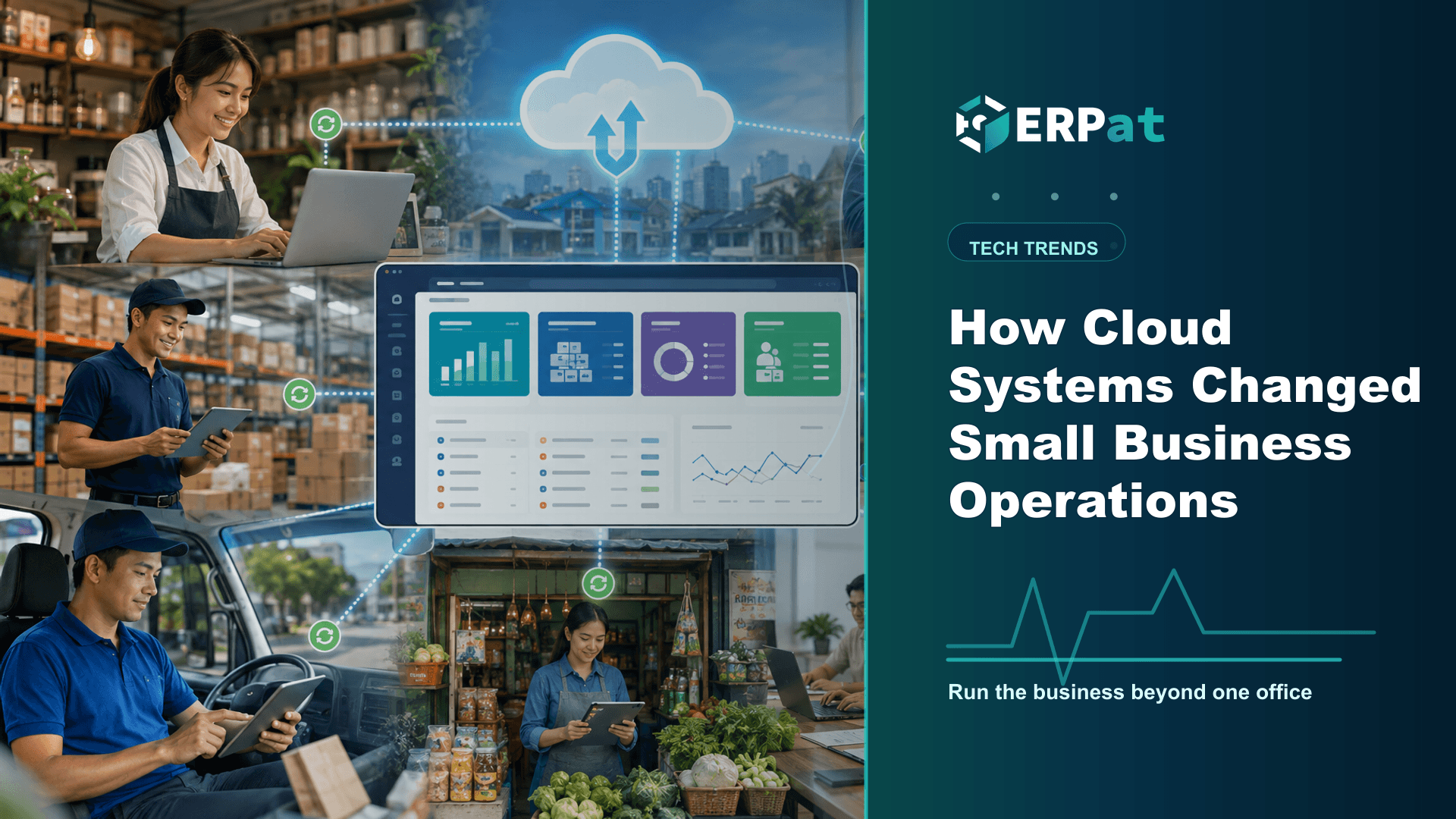
How Cloud Systems Changed Small Business Operations
Moving off the office server changed more than where the files sit. Here is what it actually did to access, continuity and the shape of the spending for Philippine small businesses, and what it still cannot fix.
In this guide
What to watch for
Use the article to identify repeat work, handoff gaps and places where one source of truth would help.
In this article
When offices emptied out in March 2020, plenty of Philippine small businesses found out exactly where their operations were stored: on one desktop in the accounting room, in a filing cabinet nobody could reach, in a spreadsheet only one person had the current copy of. Two years on, the companies that kept trading were rarely the ones with the biggest technology budget. They were the ones whose records could be opened from somewhere other than the office. That shift, from software tied to a building to software tied to an account, has quietly reshaped how small and mid-sized companies here run their week.
The system stopped living in the office
An on-premise install is exactly what it sounds like: the application and its database sit on a machine you own, usually in the office, and anyone who needs the data has to be on that network. In practice the payroll officer processed the cut-off at her desk, the branch emailed a workbook to head office every Friday, and the owner waited until Monday to see anything.
A cloud system moves the application to a server the vendor runs and hands you a browser address instead. The payroll officer can process from home, a manager can approve a request from a client's site, and head office and the branch look at the same record rather than two copies that have drifted apart. The emailed workbooks and the files named "final_v3" existed because the data could only be in one place at a time.
Continuity became something you design
Before 2020, business continuity in a small company was usually a habit rather than a plan: an external drive someone took home on Fridays, if they remembered. That holds up until the office floods, the hardware dies over a long weekend, or the building is closed with the machine inside it. Typhoon season made the point most years; the lockdowns made it unavoidable.
Moving the system off-site changes what you are responsible for. Redundancy, backups and hardware replacement become part of the service you rent instead of chores competing with everything else on a Friday afternoon. That is an improvement rather than a solution, so ask a provider how often data is backed up, how a restore is actually performed and by whom, and how you would get a complete export of your records if you ever left. A provider that answers those three plainly is telling you something about how it operates.
The cost changed shape before it changed size
The old model asked for money up front: a server, licences, an installer's fee, and the assumption that you would replace the hardware in a few years. That is a hard ask for a business with seasonal cash flow, and it is why many small companies stayed on spreadsheets longer than they wanted to.
A subscription changes the shape of that spend. You pay monthly or annually, usually per user, and upgrades come with it. This is not automatically cheaper — carried far enough, subscription fees can total more than a one-time licence would have. What you get instead is a smaller entry point, a predictable budget line, and someone else carrying the hardware risk and the spare capacity you used to buy just in case. For a ten-person company deciding whether to systematise this year or next, the shape usually matters more than the total.
Records more than one person can find
Access is only half the problem. The other half is that documents multiply — contracts, 201 files, BIR forms, permits, signed policies, supplier agreements — and copies end up on individual laptops, in chat threads, and in a cabinet whose key one person keeps. When that person resigns, part of the company's memory leaves with them.
ERPat's Documents module keeps documents in one store with role-based access controls and version tracking. Role-based access means an HR officer sees what her role is entitled to see, rather than access spreading by seniority or by whoever asked. Version tracking means each revision is retained, so it is clear which copy is current. That matters most when it is least convenient: an audit, a DOLE inspection, a disagreement about which version of a policy was in force. The value is not storage but being able to say where a document is and which copy is live, without a search party.
Running several entities without several installations
Plenty of Philippine SMEs are not one company. They are a trading corporation, a services corporation and perhaps a family holding entity, sharing an owner, a bookkeeper and an office, but filing separately and needing separate books. On-premise, that usually meant separate installations on separate machines, each with its own updates, backups and quirks.
The Tenancy module handles this by letting multiple separate tenant instances run from a single ERPat deployment. Each tenant keeps its own data while administration sits in one place. The same arrangement suits accounting and payroll providers who need each client's records genuinely separated, not merely filtered inside a shared view. The gain is in the unglamorous parts — one system to keep current, one place to manage users — and those are the parts that quietly consume a small back office's week.
What the cloud does not fix
A cloud system does not repair a process that was unclear to begin with: if nobody knows who approves an overtime request, hosting the form elsewhere will not decide it. It does not make your data someone else's problem either. Under Philippine data privacy rules you remain the personal information controller for your employees' information even when a provider processes it on your behalf, and a personal data breach must be reported to the National Privacy Commission within 72 hours of knowing about it. Choosing a careful provider is part of how you meet that duty, not a way to hand it over.
A cloud system is only as reachable as the line into your office. Before moving something time-critical like payroll, decide in advance what staff will do on a day the internet is out — a second connection, mobile data, or a cut-off calendar with slack built into it.
Where to start if you are still on-premise
If everything still runs from a machine in the office, the move need not happen all at once. Pick the function whose failure would hurt most next month — usually payroll or the document store — and move that one first, running it in parallel for a full cycle so you can compare outputs before depending on it. The businesses that came through the past two years steadily were rarely the ones with the most advanced system, but the ones that made sure the records that matter were reachable by more than one person, from more than one place.
Technology decision context
Use "How Cloud Systems Changed Small Business Operations" to make a better systems decision
Technology articles are most useful when they help the team decide what to change next. Focus on the process problem first, then choose the tool or integration that removes the most repeated work.
Part 1Start from the workflow, not the tool
A system change should solve a visible operational problem. Map who creates data, who reviews it and who depends on the result.
- Identify repeated encoding, manual exports and duplicate records
- Find handoffs that rely on reminders instead of system status
- Separate must-have controls from nice-to-have interface features
Part 2Integration details to check
A useful system should reduce context switching and make data easier to trust across teams.
- Which records need one source of truth?
- Which reports depend on data from more than one department?
- What permissions, audit logs and backups are required?
Part 3How to judge success
A better technology setup should improve speed, reliability and confidence in decisions.
- Fewer manual workarounds after rollout
- Shorter time from request to approval or report
- Clear ownership when something is missing or incorrect
Chelsea Cuevas
Content & Marketing Associate
Covers business growth, HR best practices, and the technology behind modern operations.