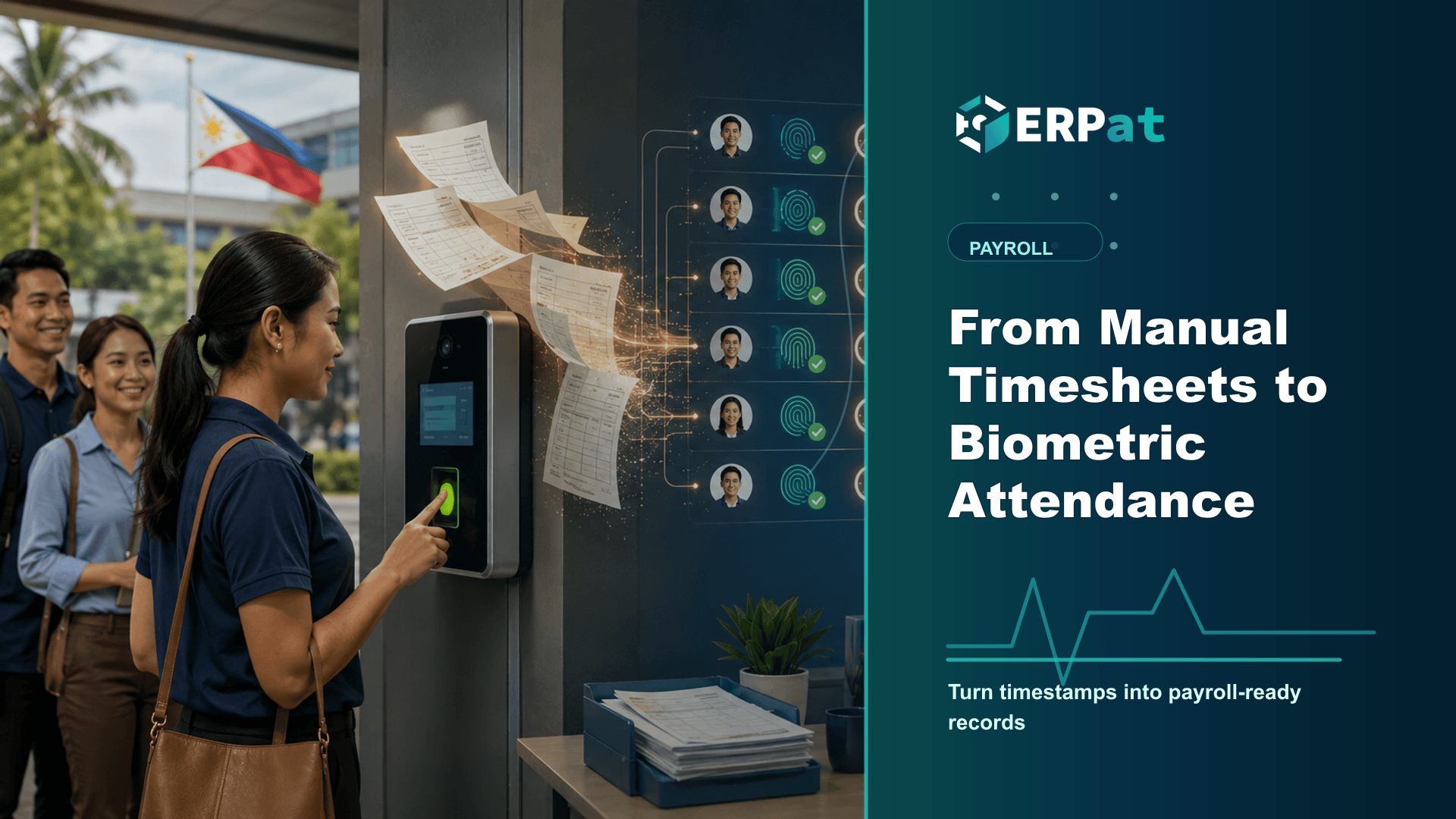
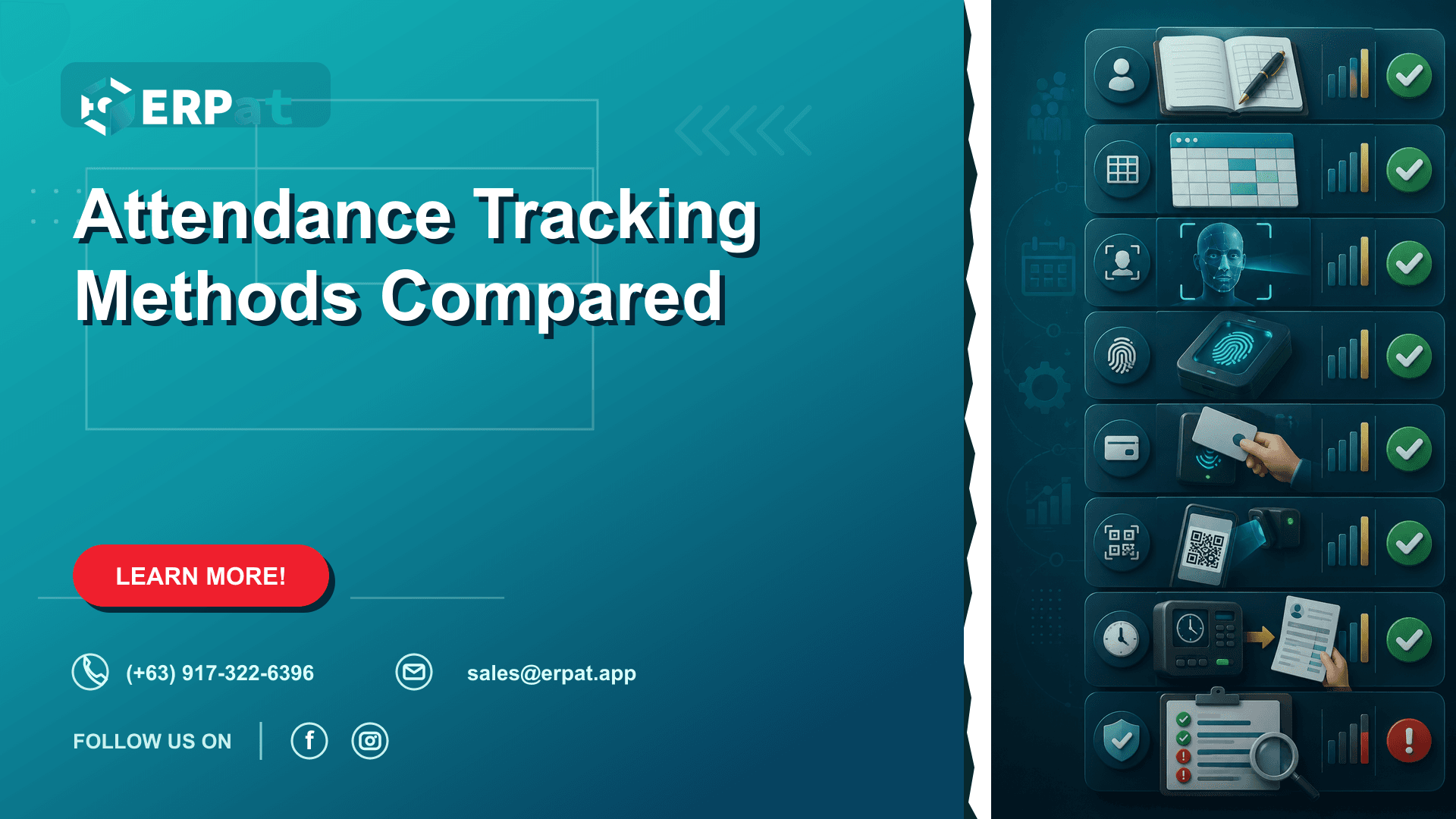
Attendance Tracking Methods Compared
A practical comparison of paper logbooks, spreadsheets and biometric terminals for Philippine workplaces, focused on where each one loses accuracy and how that loss shows up in the payroll run.
In this guide
What to watch for
Use the article to spot where payroll checks can be clearer, faster and easier to audit.
In this article
Every payroll run begins with a number nobody in payroll computed: the hours each employee actually worked. Whatever produces that number — a logbook by the door, a shared spreadsheet, or a terminal on the wall — sets the ceiling on how accurate the payslip can be. In most small and mid-sized companies, cut-off week is spent less on computing pay than on settling arguments about attendance. It is worth looking closely at where those arguments come from.
Attendance is a payroll input, not an HR formality
Hours worked are not filed away for HR's reference. They drive basic pay for daily-paid staff, tardiness and undertime deductions, overtime and night shift premiums, and holiday pay — where Article 94 of the Labor Code entitles a worker to the regular daily wage on a regular holiday and to twice the regular rate for work actually performed on one. They also determine whether an absence draws down the five-day service incentive leave under Article 95 or becomes an unpaid day.
Because of that, an attendance error is never contained. It moves into gross pay, then into the withholding computed on that gross, and eventually into 13th month pay, which Presidential Decree No. 851 defines as one-twelfth of the basic salary earned within the calendar year. Fixing it later means a correction to explain to the employee and reconcile at year-end. The cheapest place to get attendance right is at the moment it happens.
The paper logbook and the honour system
A logbook costs almost nothing, needs no setup, and keeps working during a brownout. That is the entire case for it, and for a small team whose members all see each other arrive, it can be enough for a while.
The failure modes are familiar. Handwriting has to be read and interpreted. One employee can sign for another, and nothing in the page distinguishes an entry made at 8:00 from one made at noon by someone catching up on the week. Times get rounded generously in the writer's own favour. Nothing prevents a later edit, and nothing records that an edit happened.
Then the whole book has to be transcribed. Every entry is read and re-keyed, twice a month and usually under time pressure, and transcription is where quiet errors enter. A smudged, over-written page is also weak evidence if an employee later disputes a deduction or a labour complaint reaches DOLE.
Spreadsheets fix the arithmetic, not the source
Moving to a spreadsheet is a real improvement over paper. Formulas compute totals consistently, columns can be sorted and filtered, and the file can be shared with whoever needs it instead of living in one drawer.
What the spreadsheet does not fix is where the data comes from. Someone still types it in, from a logbook or from memory, and the typing is still the weakest link. Beyond that, spreadsheets introduce failure modes of their own: a formula dragged one row short so the last employee's overtime is never counted, a pasted block that overwrites a column, rounding handled one way on one sheet and another way on the next, and three copies of the same file circulating during cut-off with no reliable way to tell which is current.
The deeper issue is accountability. A cell can be changed by anyone with the file open, and the sheet keeps no record of who changed it or why. When a payslip is questioned, there is often no way to reconstruct what the original entry said.
What a biometric terminal actually changes
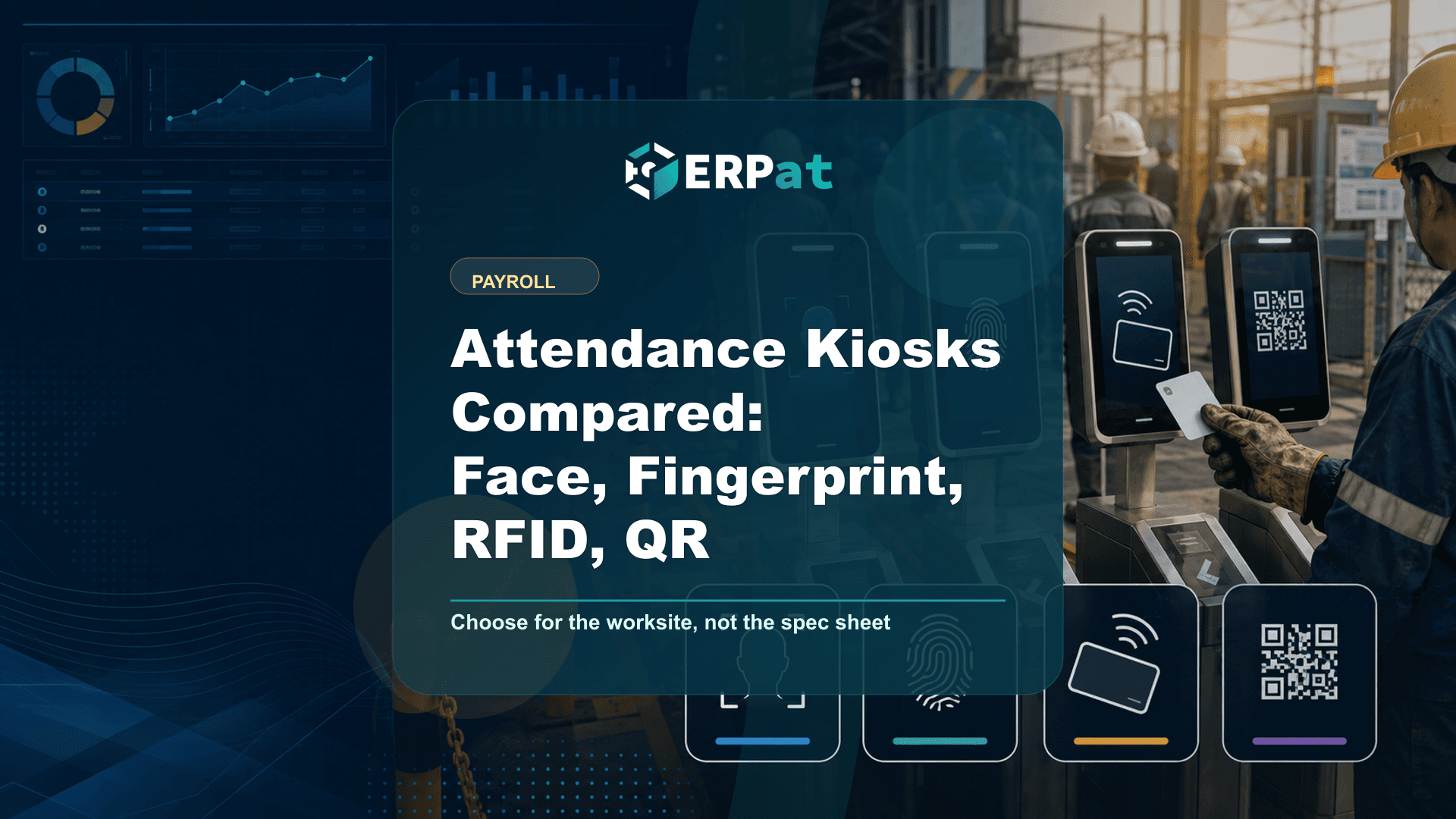
A terminal changes the point of capture. Instead of a record written about an event afterwards, the event itself is logged the moment it happens and tied to the person who caused it. ERPat's Kiosk module works this way, capturing attendance by face, fingerprint, RFID tap card or QR code, with dashboard monitoring and analytics over the resulting log.
The gain is that transcription disappears and identity is enforced at the door. Face and fingerprint capture cannot be delegated to a co-worker. Be honest about the limits, though: a tap card or QR code can still be handed over, so those modes trade some assurance for speed and convenience. Enrolment quality matters as well — worn fingerprints, gloves and poor lighting all cause failed reads, which is the practical reason to keep more than one capture method available.
Biometric records are personal data under the Data Privacy Act, so employees need clear notice of what is collected and why, and the data needs a defined retention and access policy. If a breach occurs, the National Privacy Commission must be notified within 72 hours of knowledge of it.
The handoff between the clock and the payslip
Buying a terminal and then exporting its log to a file that someone re-keys into a spreadsheet reinstates the exact risk the terminal was meant to remove. Most of the benefit lives in the handoff, not in the hardware.
This is why attendance is better treated as part of the employee record than as a standalone log. ERPat's Human Resource module holds profiles, schedules, attendance, leaves and holidays together, so a punch arrives with the context needed to interpret it: the shift the employee was actually assigned, whether the day is a holiday, and whether an absence matches an approved leave rather than defaulting to a deduction. Kiosk feeds that record directly, which means the same event that the employee saw confirmed at the terminal is the one payroll later works from.
The test to apply to any setup is simple. Count how many times a single day's attendance is copied, typed or transformed before it becomes pay. Every one of those steps is a place an error can enter unnoticed.
Exceptions, corrections and the audit trail
No method eliminates exceptions. People forget to clock out, work off-site, get sent on errands, and lose a shift to a power interruption. In January 2022, DOLE issued Labor Advisory No. 01, series of 2022, which urges — though does not require — private employers to adopt a paid isolation and quarantine leave program, and companies that take it up need those days coded correctly rather than logged as plain absences.
What separates a reliable system from an unreliable one is not the absence of corrections but how they are handled. A correction should be recorded as a correction: the original entry preserved, the change attributed to whoever approved it, with a reason attached. Paper and spreadsheets both fail this test, because in each of them an edit simply replaces what was there before. When a payslip is disputed months later, the difference between an audit trail and a clean overwrite is the difference between a two-minute answer and an argument nobody can settle.
Choosing what fits your floor
There is no single right answer. A small, single-site team of salaried staff on fixed schedules can run on a disciplined spreadsheet for a good while. But once you have shift work, multiple sites, daily-paid workers, or simply more people than one supervisor can personally see arrive, the honour system stops being the cheap option and starts quietly funding itself out of payroll errors and disputes. Judge any method by three questions: is the record captured at the moment of the event, can it be changed without leaving a trace, and how many hands does it pass through before it becomes pay.
Payroll operations context
Use "Attendance Tracking Methods Compared" as a payroll-control review
A useful payroll article should help the team trace the whole cutoff, not only explain the software. Read it against the actual flow from attendance data to calculations, approvals, payslip release and accounting handoff.
Part 1Data to verify before calculation
Payroll accuracy usually starts before payroll is computed. The riskiest inputs are the ones that arrive late, get retyped, or have no clear owner.
- Attendance exceptions, rest-day work, overtime, leaves and late filings
- Salary changes, allowances, deductions, reimbursements and one-time adjustments
- Government contributions, tax rules, final pay items and cut-off dates
Part 2Controls that make payroll easier to approve
The approval process should show what changed, who reviewed it, and what evidence supports the final numbers.
- Use a maker-checker workflow before payroll is finalized
- Keep an exception report for unusual changes or manual overrides
- Attach approval evidence before releasing payslips or posting payroll costs
Part 3Signals that the process is improving
A better payroll workflow should reduce repeat corrections and questions after release.
- Fewer off-cycle corrections after payroll closing
- Shorter review time between cutoff and approval
- Fewer employee questions about payslips, deductions or missing adjustments
Jerome Evangelista
Content & Solutions Writer
Writes about payroll automation, HRIS, and how Philippine businesses run leaner with ERPat.